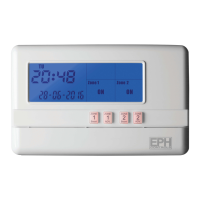
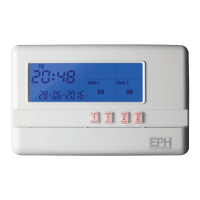
R27-HW - 2 Zone Programmer
Operating Instructions
Page 2 of 2
10. Advance function
This function allows the user to bring forward the next switching time.
If the zone is currently timed to be OFF and the ADV is pressed, the zone will be
switched ON until the end of the next switching time.
If the zone is currently timed to be ON and the ADV is pressed, the zone will be
switched OFF until the end of the next switching time.
Press for HOT WATER and for HEATING.
To cancel the ADVANCE function, simply press the respective ADV button again.
8. Reviewing the program settings
9. Boost function
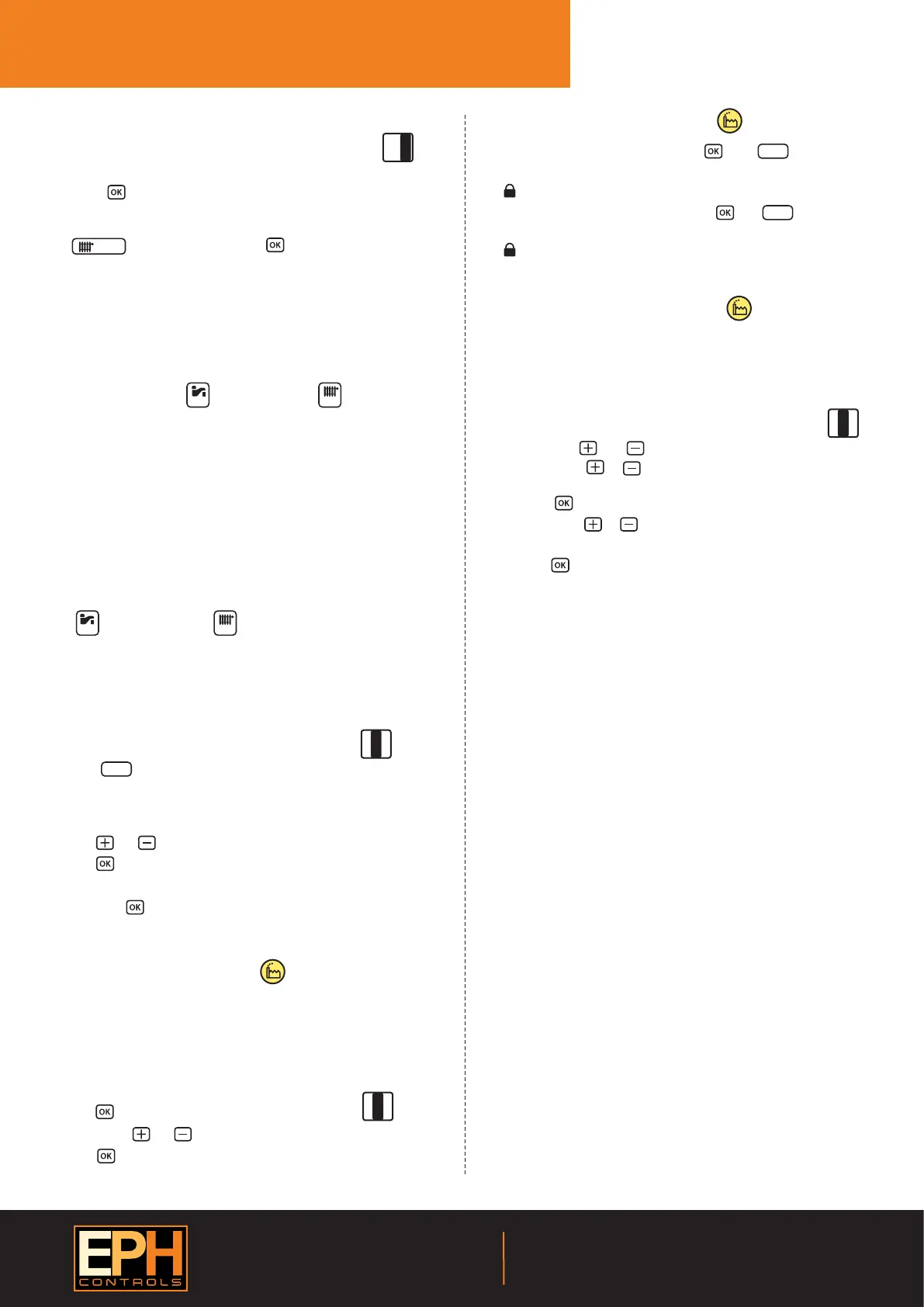
Lower the cover on the front of the unit.
Move the selector switch to the PROG SET position.
By pressing this will review each of the ON/OFF times for P1 to P3 for
HOT WATER.
Repeat this process to review the ON/OFF times for the HEATING by pressing
the button and then pressing .
When completed, move the selector switch to the RUN position.
This function allows the user to extend the ON period for 1, 2 or 3 hours.
If the zone that you wish to Boost is timed to be OFF, you have the facility to
switch it ON for 1, 2 or 3 hours.
Press the required button: for HOT WATER and for HEATING
once, twice or three times respectively.
To cancel the boost function, simply press the respective boost button again.
SELECT
ADV.
Boost Boost
ADV.
To lock the keypad, press and hold the and buttons for 5
seconds.
will appear on the screen. The keypad is now locked.
To unlock the keypad, press and hold the and buttons for 5
seconds.
will disappear from the screen. The keypad is now unlocked.
Holiday
Holiday
Unlocked
13. Keypad lock and unlock
11. Holiday mode
Lower the cover on the front of the unit.
Move the selector switch to the RUN position.
Press the button.
The current date and time will ash on the screen. It is now
possible to enter the date and the time when you plan to return.
Press the or buttons to adjust the holiday period requried.
Press the button.
The programmer is now switched OFF for the selected number of days.
By pressing the button again, this will cancel the holiday mode,
thereby returning the programmer to the normal settings.
RUN
CLOCK
SET
PROG
SET
Holiday
There are two settings for selection. The factory default setting is ON.
ON The backlight is permanently ON.
AUTO On pressing any button the backlight stays on for 10 seconds.
To adjust the backlight setting, lower the cover on the front of the unit.
Move the selector switch to the RUN position.
Press the button for 5 seconds.
Press either the or buttons to select the ON or AUTO mode.
Press the button.
RUN
CLOCK
SET
PROG
SET
On
12. Backlight mode selection
RUN
CLOCK
SET
PROG
SET
EPH Controls Ireland
Sitecast Industrial Estate, Pouladu,
Cork, T12 W665, Ireland
sales@ephcontrols.com www.ephcontrols.com
EPH Controls UK
Unit E4, Welland Business Park, Valley Way, Market Harborough,
Leicestershire, LE16 7PS, United Kingdom
sales@ephcontrols.co.uk www.ephcontrols.co.uk
Selectable range 5~20°C. This function is set to protect pipes against
freezing or to prevent low room temperature when the programmer is
programmed to be OFF or is manually OFF.
Frost protection can be activated by following the procedure below.
Move the selector switch to the RUN position.
Press both the and buttons for 5 seconds, to enter selection mode.
Press either the or buttons to to turn On or turn O frost
protection.
Press the button to conrm.
Press either the or buttons to increase or decrease the desired
frost protection setpoint.
Press the button to select.
Both HOT WATER and HEATING zones will be switched ON in the event of
room temperature falling below the frost protection setpoint.
When frost protection is enabled “Frost” will be visible on the screen.
When frost protection is activated “Frost” will ash on the screen.
RUN
CLOCK
SET
PROG
SET
14. Frost protection function
O
Lower the cover on the front of the programmer.
There are four hinges holding the cover in place.
Between the 3rd and 4th hinges there is a circular hole.
Insert a ball point pen or similar object to master reset the programmer.
After pressing the master reset button, the date and time will now need
to be reprogrammed.
15. Master reset
20170314_AW1077_R27-HW_OpIns_JW


 To Previous Page
 Loading...