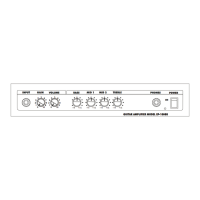
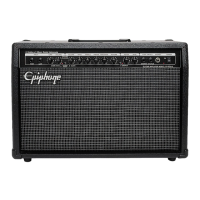
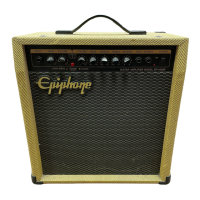
GALAXIE 10
10Watt Guitar Amplifier
Epiphone Amplifiers are the result of years of extensive research and
development by some of the music industries finest musicians and
engineers. For decades Epiphone has provided world class products
to musicians everywhere. The Epiphone name stands for quality
and this product has been designed to provide years of lasting
musical pleasure.
Trouble Shooting Guide
NO SOUND - Power LED indicator is OFF
Make sure Power switch is ON
Make sure power cord is securely inserted in back of amp
Make sure voltage selector is set to proper voltage
Check fuse for proper operation
NO SOUND - Power LED indicator is ON
Make sure volume and gain are set properly
Check cord to insure proper operation
Insure guitar volume is not on “0”
WARNING : TO PREVENT FIRE OR SHOCK HAZARD,
DO NOT EXPOSE THIS EQUIPMENT TO RAIN OR
MOISTURE
NO USER SERVICEABLE PARTS. REFER ALL REPAIRS
TO AN AUTHORIZED EPIPHONE WARRANTY CENTER
A division of Gibson Musical Instruments 646 Massman Drive Nashville, TN 37210
(615) 871-9585 Visit Epiphone at http://www.epiphone.com
OPERATION MANUAL

 Need help?
 General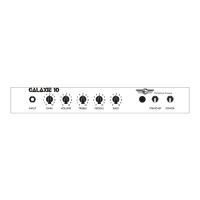

 To Next Page