Basic Operations Guide
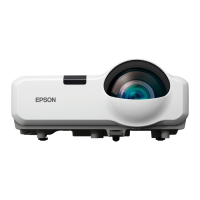
Epson Projector
Contents
• Projector cables and accessories (All Models)
• Projector connections (Individual Models)
• Basic Operations for classroom use (Individual Models)
• Troubleshooting (Individual Models)
Quick Color Reference
A. Epson Projector (Connections)
B. Unmounted Projector (Connections)
C. Epson Projector Set-Up and Usage
a. 450/455
b. 485
c. 585/685
Models: 450/455/485/585/685
Projectors mentioned in this guide are equipped with the following capabilities.
1. Direct projection from classroom computer.
2. Interactive functionality with pen. (Does not include Power Lite Models)
3. 2-3 Source Selection Options.
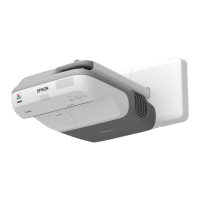
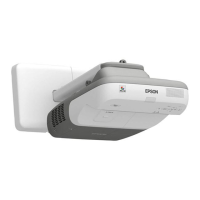
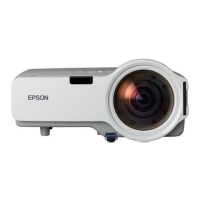
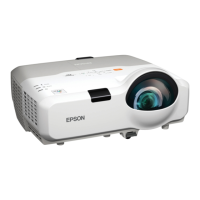
Locate the Model Number of your Epson Projector
➢ The Projector Model Number is located on the front (Brightlink Models) or top (Power
lite Models) of the projector near the control panel.

 Need help?




 To Next Page
 General