30
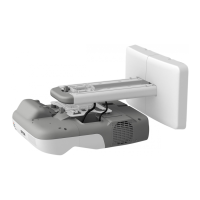
e Use the left adjustment dial to adjust the horizontal roll
(1) Loosen the screw in the following figure ( ).
(2) Turn the adjustment dial ( ) to adjust the horizontal roll ( ).
(3) After you finish making all of the adjustments in steps
e to j, tighten the screw you
loosened in .
Repeat steps e to j as necessary.



 To Next Page