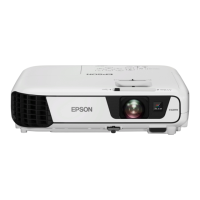
EB-S01/W01/X14G/S11/X11/S02/S02H/X02/W02/S12/S12H/X12/W12/X14 EH-TW480
Disassembly and Assembly CONFIDENTIAL
SEIKO EPSON 114 Revision C
Image/Operation check
7. Restart the projector (Power OFF - Power ON) once, and confirm there is no
problem in the projected image and operation.
REPLACING THE MA BOARD (WHEN BACKUP FAILED)
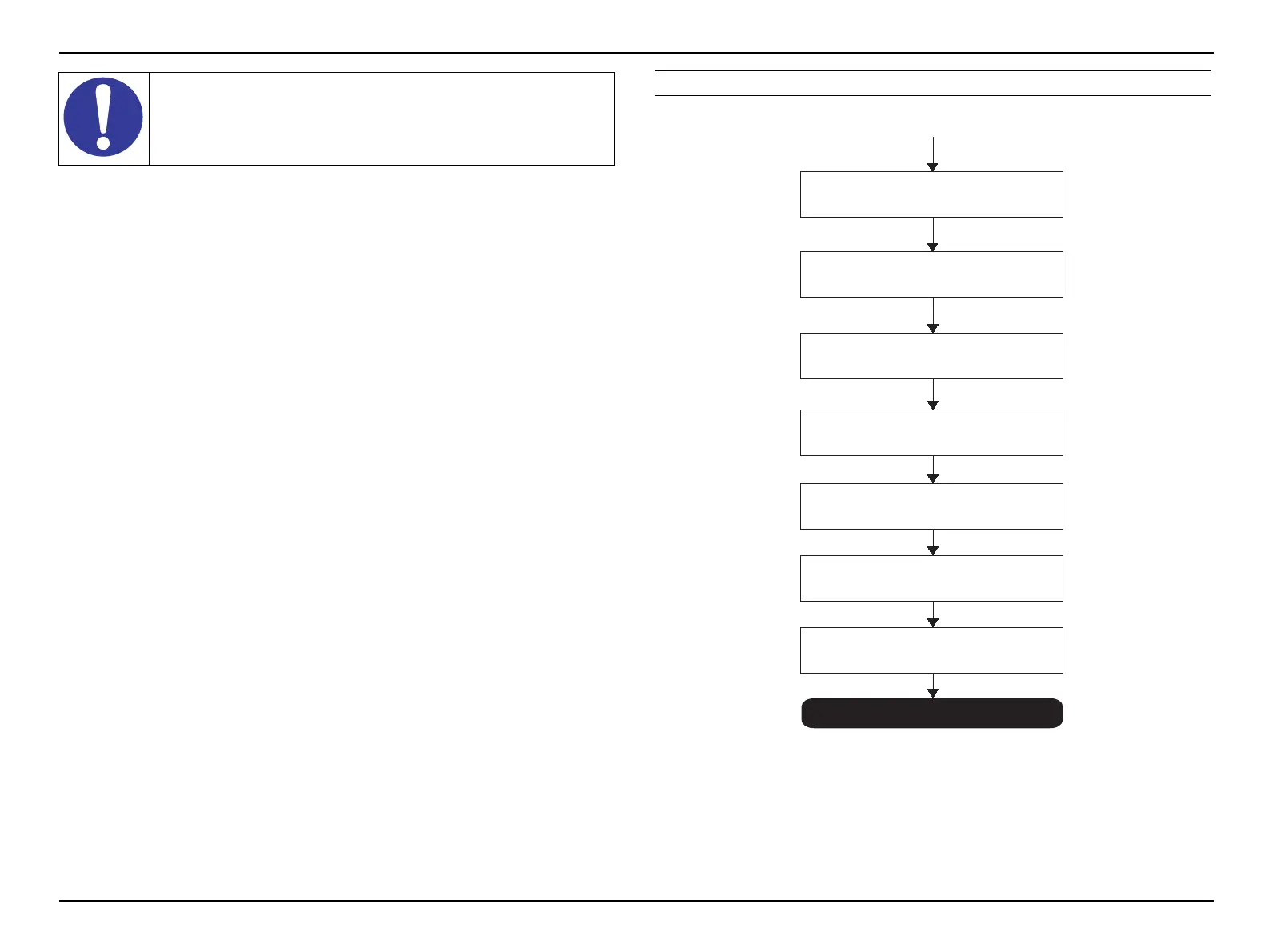
Figure 3-48. MA Board replacement workflow (when BACKUP failed)
The DR data is not stored on a brand-new MA Board, and due to
this, “$$$$$$$$” appear on the menu screen when trying to restore
the DR data, but a restore operation itself can be completed
normally.
BACKUP failed
Obtaining the DR data
Saving the data to the PC
Replacing it with a good
MA Board
Turning on the projector
Connect the projector to the PC
Writing the DR data
Image/Operation check


 To Next Page
 Loading...