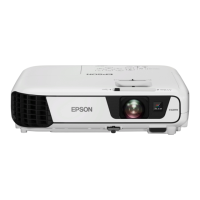
EB-S01/W01/X14G/S11/X11/S02/S02H/X02/W02/S12/S12H/X12/W12/X14 EH-TW480
Troubleshooting CONFIDENTIAL
SEIKO EPSON 51 Revision C
OPERATION CHECK FOR AUDIO INPUT/OUTPUT
After repairing the parts related with audio input/output, carry out the check below
following the instructions. (See " TroubleShooting on Audio Input/Output (p40)".)
INTERNAL CABLE CONNECTION CHECK
When replacing/removing MA Board, make sure to check all the cables are connected
correctly referring to “ 2.4.6 Cable Connection and Projector’s Status (p46)”.
Procedure Check item
1. Connect your PC to Video and
Audio inputs of MA Board.
2. Press the [Source Search] button and
switch to the corresponding source.
3. Input audio signal to the projector
from your PC, and output sound
from the built-in speaker.
Does sound come out from Speaker?
Can you control the volume with the volume
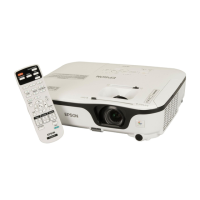
buttons on Remote Controller?
4. Check the [A/V Mute] function by
closing/opening Lens Shutter.
5. Check the [A/V Mute] function by
pressing the [A/V Mute] button on
the remote controller.
Is sound turned on/off?
Be sure to turn off the power switch and pull out the power cable from the
projector before checking.


 To Next Page
 Loading...