EB-S01/W01/X14G/S11/X11/S02/S02H/X02/W02/S12/S12H/X12/W12/X14 EH-TW480
Disassembly and Assembly CONFIDENTIAL
SEIKO EPSON 84 Revision C
When installing the Auto Iris, check that the lever is in the proper position (refer
to Figure 3-25) after the following work.
Remove dust on the Optical Engine with an air blower.
Carry out optical axis adjustment/contrast adjustment of the Optical Engine.
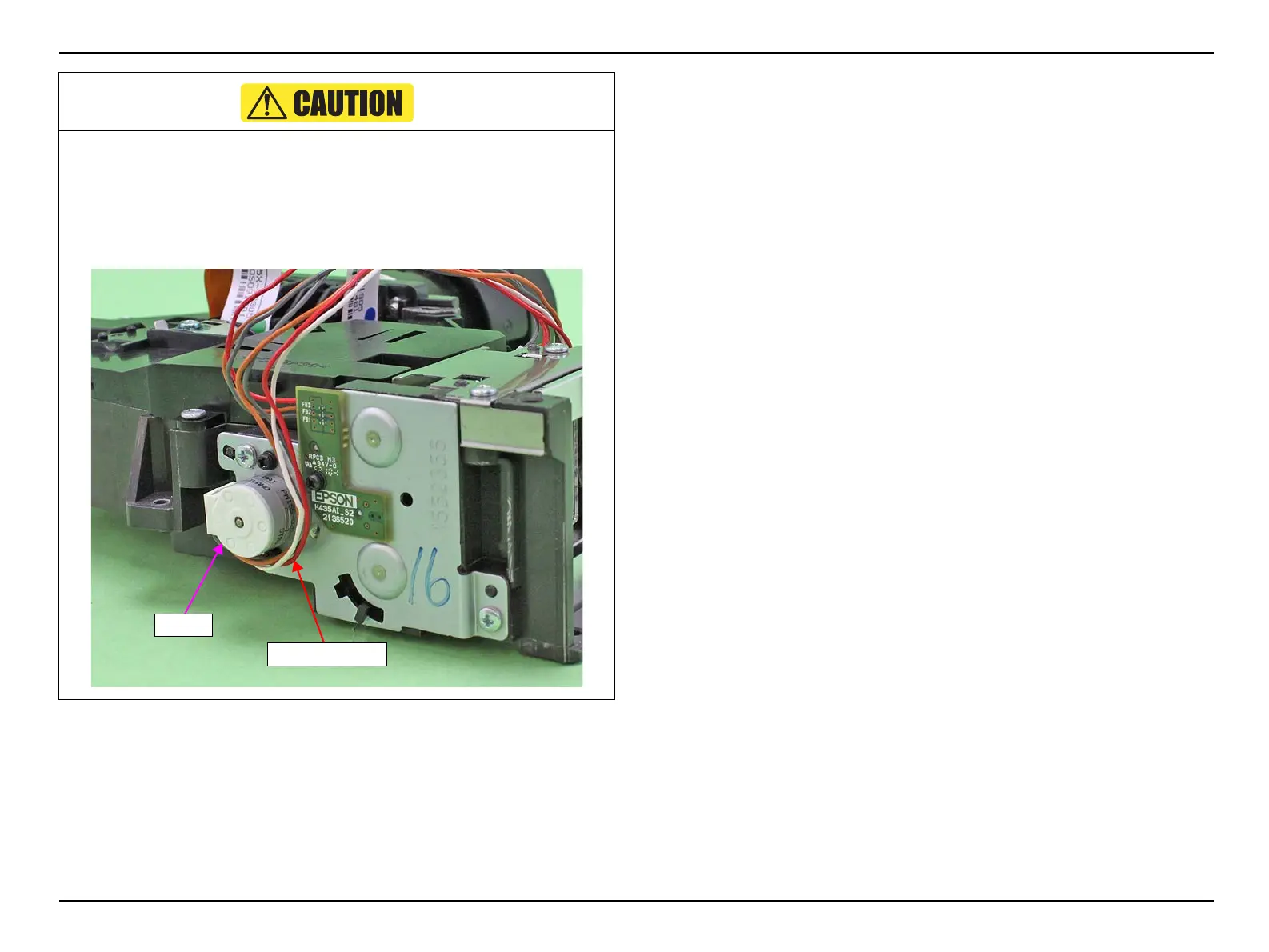
Routing the cable (Auto Iris) under the motor as shown below.


 To Next Page
 Loading...