Note: If you are using discs where the printable area extends to within 0.16 inch (4 mm) of the center
hole, you may need to adjust the inner diameter setting using the control panel or Epson Print CD
software.
1. Burn your files, music, or video onto your disc before printing on it.
2. Send print data from a computer, or use the control panel to print on the CD/DVD, and follow the on-
screen instructions.
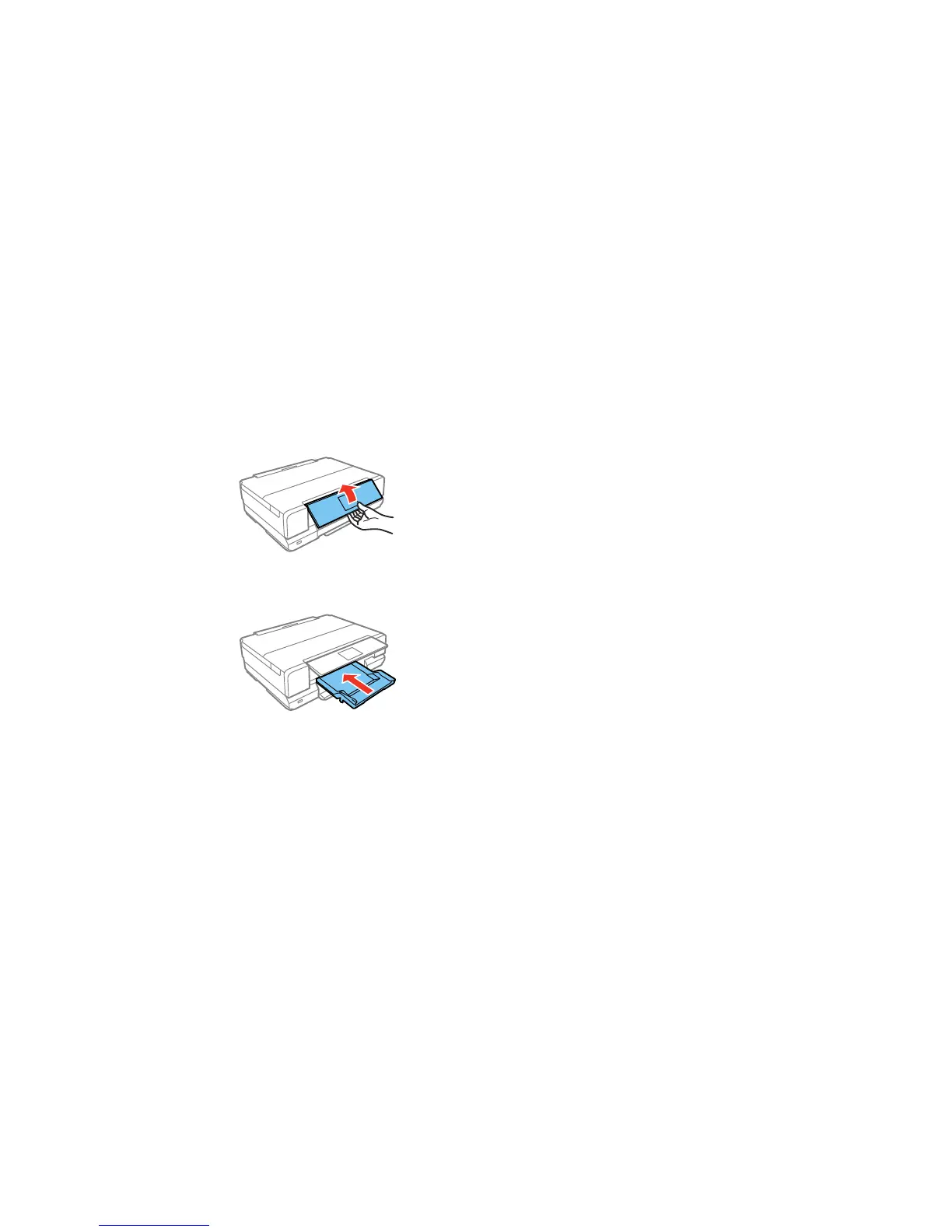
3. Raise the control panel all the way up.
4. Make sure nothing is on the output tray, then close it.
5. Close the front cover.
223



 To Next Page
 Loading...










