ii
General information
Attention
Indicates procedures which may result in damage or injury if sucient care is not taken.
TIPS
Indicates additional information and points which may be useful to know.
Indicates a page where useful information can be found.
, Source etc.
Indicates buttons on the remote control or projector's control panel.
[Menu Name]
Indicates conguration menu items.
Example: [Color Mode]
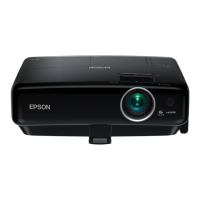
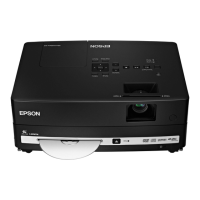
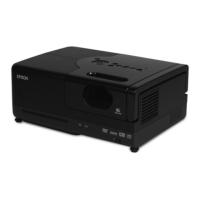
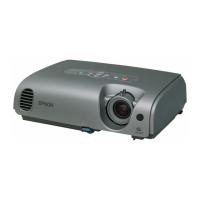
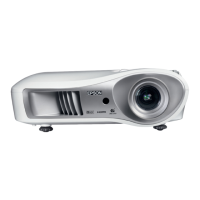
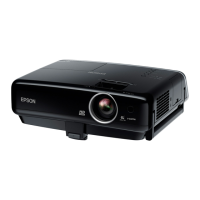
Meaning of "the projector"
When “the projector” appears in the text of this User's Guide, it may refer not only to the main projector unit but also to accessories
or optional equipment.
Meaning of "iPod"
When "iPod" appears in the text of this User's Guide, it means iPod, iPad, or iPhone.
Operating explanation
The operation using the remote control is mainly explained.



 To Next Page