• Achieve exceptional clarity and detail—4800x9600dpi
opticalresolution
• Easily scan oversized prints, documents and artwork—
ArcSoft
®
Scan-n-Stitch
™
Deluxe
1
included
• Enjoy remarkable versatility—scantoe-mailsorcreate
PDFswithonetouch
• Restore the color to faded photos—withoneclick,Epson
EasyPhotoFix
®
makesitsimple
• Remove dust from photos—AdvancedDigitalDust
Correction
Features and Benefits
• Scan text with amazing clarity—OfceModedelivers
sharpscans,eveniftextisoncoloredpaperoradouble-
sideddocument
• Quickly copy documents and photos—foreasy
archivingandsharing
• Scan books, photos albums and 3D objects—high-rise,
180-degreelid
• Convert scanned documents into editable text—
OpticalCharacterRecognition(OCR)softwareincluded
• ReadyScan
®
LED technology—fastscanning,no
warmuptime,containsnomercuryandprovideslower
powerconsumption
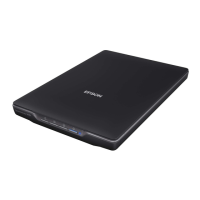
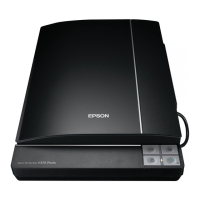
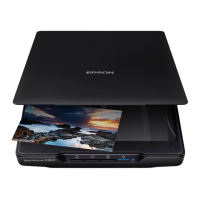
Epson
Perfection
®
V33
Photos | Documents
Color Scanner
Versatile Scanning at
an Extraordinary Value.

 Need help?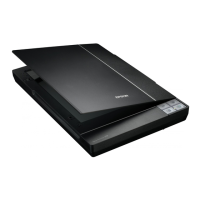






 To Next Page
 General