9
5. Slide the edge guide snug against the paper, but not so tight that the paper is bent.
Note: Always keep unused paper in the original package and store it flat to
prevent curling.
Supported Paper Types
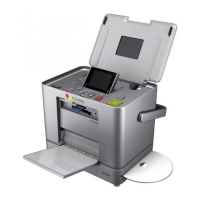
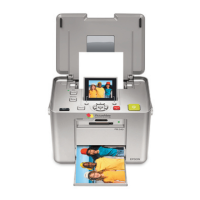
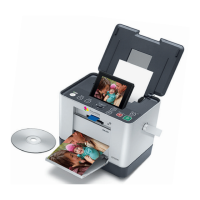
PictureMate supports the following paper type:
PictureMate Photo Paper: 100 sheets are included in the PictureMate Print Pack
(part# T5570) along with a PictureMate Photo Cartridge.
Note: If you are out of PictureMate Photo Paper, but do not see the replace
cartridge message, you can still print. In this case, PictureMate Photo Paper from
a new Print Pack or Epson Premium Glossy Photo Paper, Borderless 4 × 6 inches
(part# S041727 - 100 sheets) may be used. See How many photos will I get from
a PictureMate Print Pack?.

 To Next Page
 Loading...