30
Caution: Do not connect or disconnect the Bluetooth Photo
Print Adapter while it is communicating with your device or
while PictureMate is printing; this may cause PictureMate to
malfunction.
Choosing Bluetooth Settings
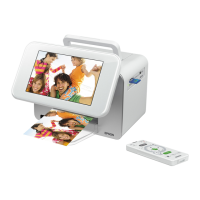
If necessary, use the PictureMate remote control to
choose settings for Bluetooth wireless communication.
You may need to enter a passkey for PictureMate or
turn on encryption, depending on the Bluetooth-
enabled device from which you print.
1 Connect the Bluetooth adapter to PictureMate as
described on page 28.
2 Press the Menu button on the remote control.
3 Select Setup and press OK.
4 Select Bluetooth Settings and press OK.
5 Select Bluetooth Setup and press OK.

 To Next Page
 Loading...