Introduction 3
Introduction
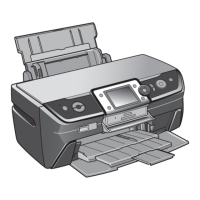
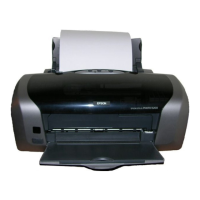
After you have set up your Epson Stylus
®
Photo R280 Series as described on the
Start Here sheet, turn here to:
■ Load paper
■ Get the basic steps for printing from your computer
■ Print true BorderFree
®
frame-ready prints on select 4 × 6, 5 × 7, 8 × 10, and
letter-size papers
■ Print on ink jet-printable CDs and DVDs
■ Perform routine maintenance
■ Solve simple problems
For additional instructions, see the on-screen User’s Guide by selecting the icon for
it on your desktop.
Please follow these guidelines as you read your R280 Series instructions:
Warning:
Warnings must be followed carefully to avoid bodily injury.
Caution:
Cautions must be observed to avoid damage to your equipment.
Note:
Notes contain important information about your R280 Series.
Tip:
Tips contain hints for better printing.
spr280_qg.book Page 3 Monday, June 4, 2007 2:20 PM



 To Next Page
 Loading...