Epson Stylus Pro 7700/7710/7700M/7710M/7900/7910/9700/9710/9900/9910/WT7900/WT7910/9890/9908/7890/7908 Revision I
TROUBLE SHOOTING Remedies for Print Quality Troubles 163
Confidential
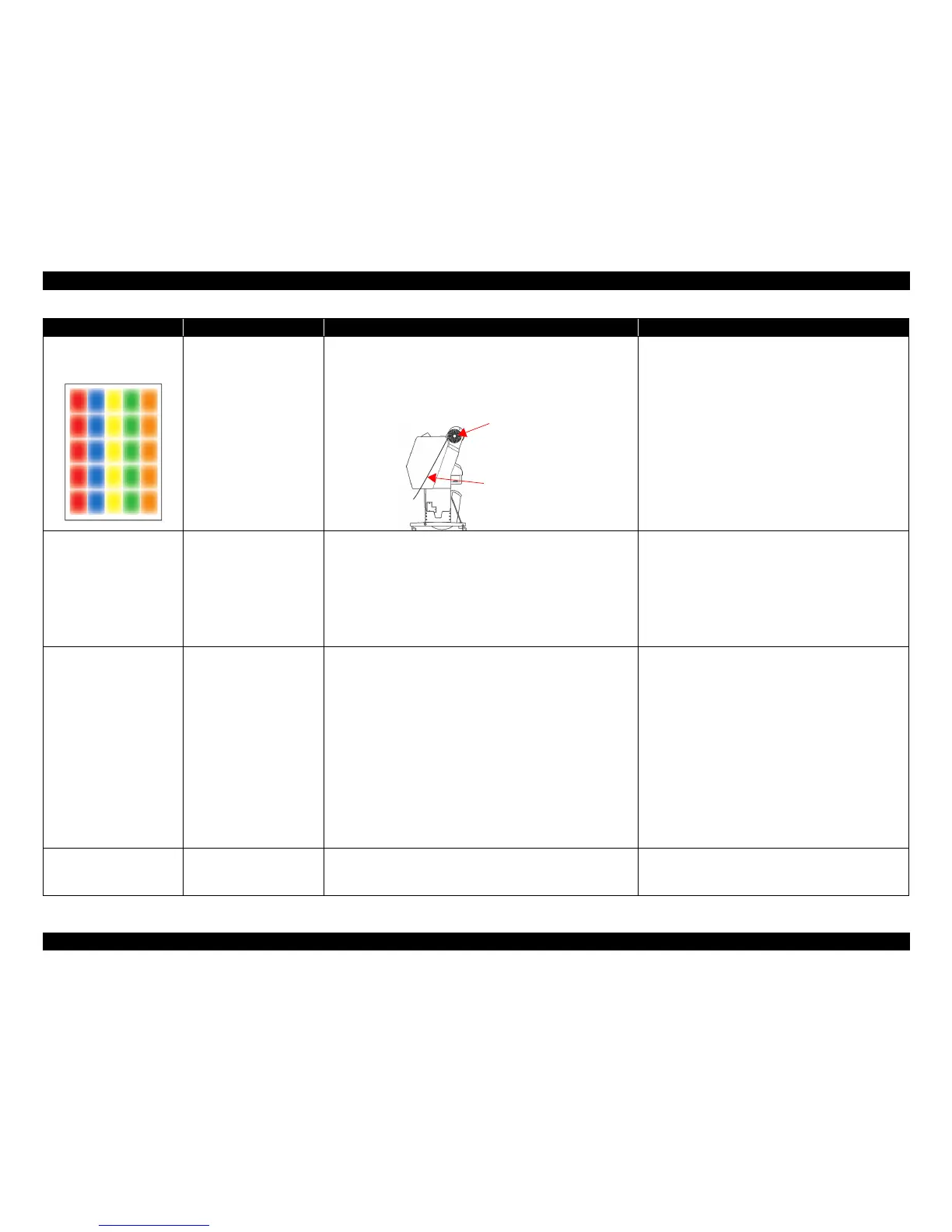
Print is blurred.
Print is thin.
When printing under the
following conditions, print
becomes blurred or thin.
• Media transported in a high
temperature and humidity
environment.
• The CPF was left on the
printer for some time.
If the CPF is left in a high temperature environment and then exposed
to a high humidity environment, spotted ink may not spread enough but
become small dot diameters. In such a case, print may be blurred or
thin. (It occurs conspicuously in yellow.)
• If the CPF is not used for a while, remove the roll from
the printer, wrap it in its individual bag, and then store it
in its individual box.
• Comply with the usage/storage environment.
The printed part in the white
ink becomes transparent.
• When water is attached on
the part printed in the white
ink
• When scotch tape is
attached on the part printed
in the white ink
• When the printed part in
the white ink is laminated
• Due to the characteristics of the white ink. (See above "Uneven
white color" cause.)
• Due to the reaction of the white ink to the lamination type or
method.
• Do not let the printed film get wet.
• Do not attach scotch tape on the printed film.
• Sufficient prior evaluations should be performed in order
to select the most appropriate lamination type and
method.
The white density changes. • The ink cartridge is not
shaken once a week.
• When not printing more
than one month
• When [WHITE INK
REFRESH] is set to OFF
• When the printed part in
the white ink is laminated
• Sedimentation of the white ink in the ink cartridge.
• Sedimentation of the white ink in the nozzle.
• Reaction of the white ink to the lamination type or method.
• Turn the power on once a week, stir the white ink
cartridge and execute the [PRINT WITH WHITE INK] in
[NOZZLE CHECK].
• After the purchase, shake the cartridge box with the
cartridge inside for approximately five seconds before
storing it.
• Store it horizontally.
• When storing the white ink for a long time, shake the
cartridge box with the cartridge inside for approximately
30 seconds (100 times) once in every six months.
• Execute [WHITE INK REFRESH].
• Sufficient prior evaluations should be performed in order
to select the most appropriate lamination type and
method.
Ink sedimentation, oozing In the case of High duty and
Bi-D
Because the drying time is not long enough, the media cannot absorb
ink anymore. (This easily occurs under a low-humidity environment.)
• Lower the white ink duty on the RIP setup or on the
image data.
• Print using Uni-D printing.
Symptom Occurrence condition Cause
Remedy/Points to be checked
Does not occur on the inside of
the roll not exposed to the air.
It occurs on the coated side exposed
to the moisture for a long time.



 To Next Page
 Loading...









