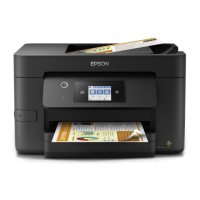
Product key
This is the product key to activate Epson Open Platform. To acquire this product key, you need the serial numbers of
the respective MFDs. You can find the serial number on the product's Guarantee Form, or on the label on the rear or
side of the product.
Note:
You may need to acquire the product key from your dealer. Contact your dealer for more details.
Acquiring the product key
You can acquire individual keys by using the MFD's serial number, or acquire in bulk by using a text file.
Note:
When acquiring a product key that has already been issued by entering a serial number, the same product key is
issued.
Acquiring individually
A
Access the following website from the system administrator's computer.
https://openplatform.epson.biz/license-op/inputInformation.html
B
Select Enter manually (you can only enter one serial number) from Serial Number(required) , and then enter
the serial number of the MFD.
Hardware Setup Guide
1. Preparing for system configuration
7



 To Next Page
 Loading...