6. When you are ready to print, press the start button.
Note: To cancel printing, select Cancel. If the Button Press setting is turned off, you do not hear a
beep when inserting paper.
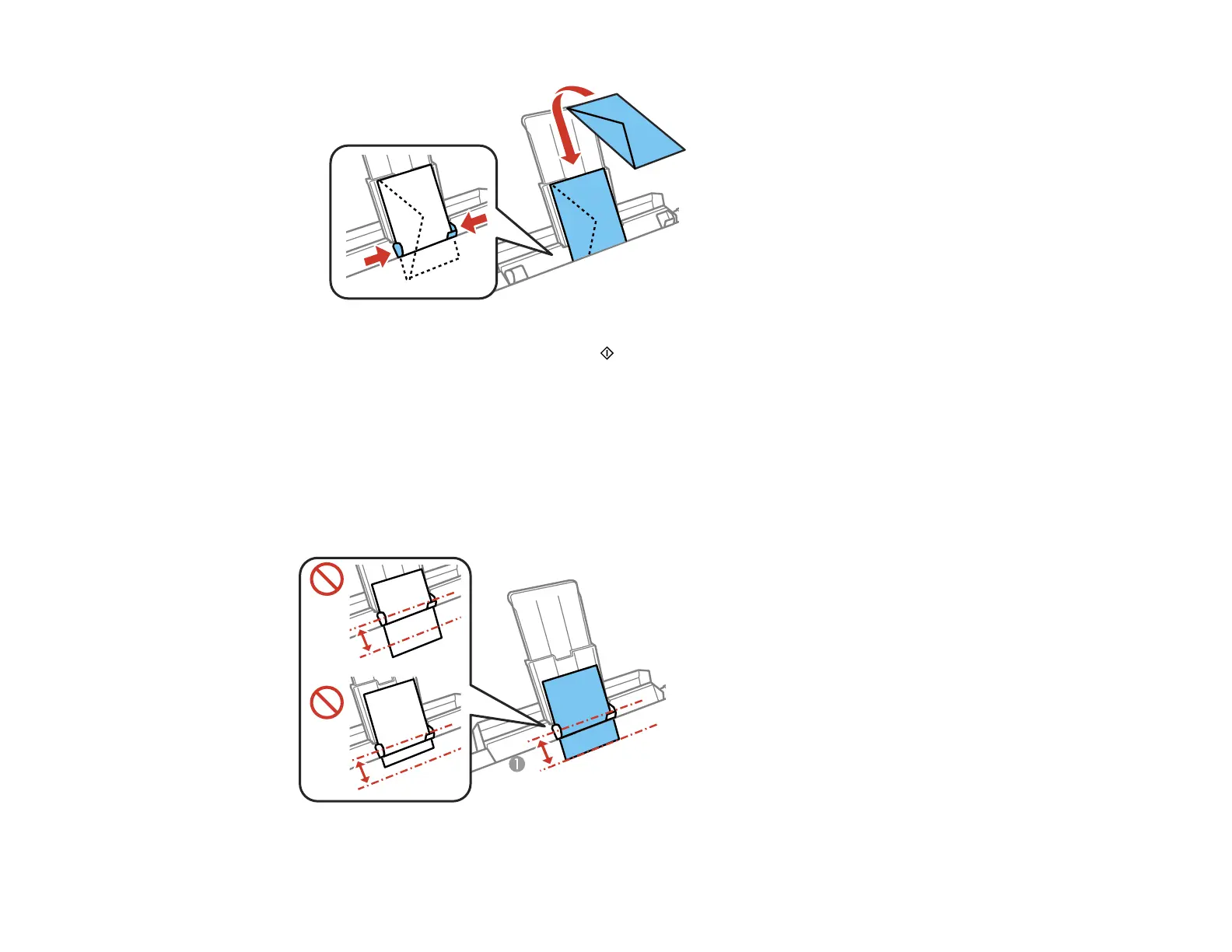
Always follow these loading guidelines:
• Load one sheet or envelope at a time.
• Be careful not to insert paper too far or not far enough. Feed about 2 inches (5 cm) of paper into the
printer as shown.
55



 To Next Page