Configuring Epygi QX IP PBXs with BINARY NETWORKS
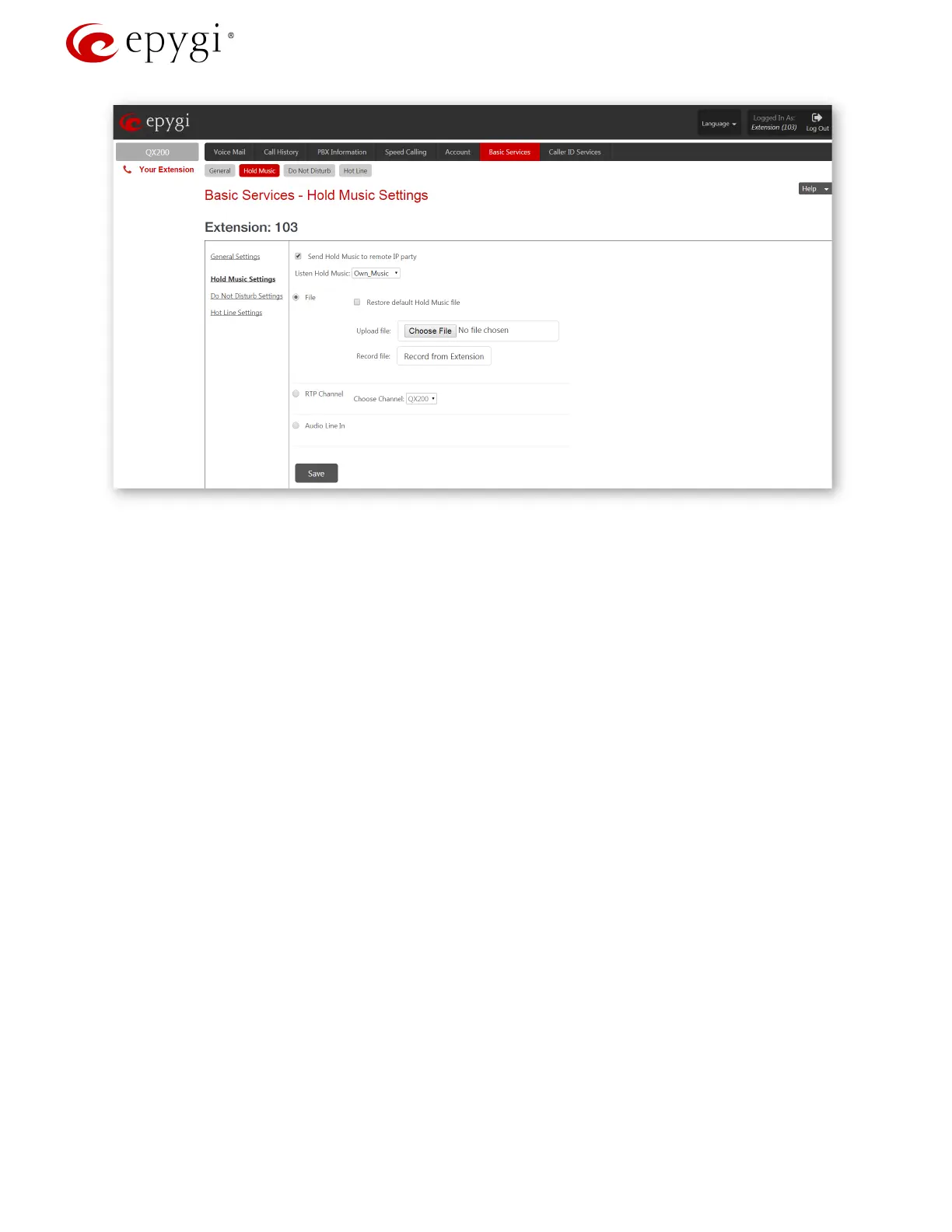
Figure 8: Basic Services – Hold Music Settings page
If the IP PBX is configured with an ITSP that does not support remote MOH (the ITSP closes the received audio
stream when receiving a SIP re-INVITE message with the c=IN IP4 0.0.0.0, a=send only media attributes),
please follow these steps to complete the configuration:
3. Type “generalconfig.cgi” in the address field of the browser to open the General Configuration page
(
Figure 9).
4. On this page, select the Force Hold Music checkbox and click Save.
Revision 1.0 11 1-Oct-15



 To Next Page
 Loading...

