Configuring Epygi QX IP PBXs with BINARY NETWORKS
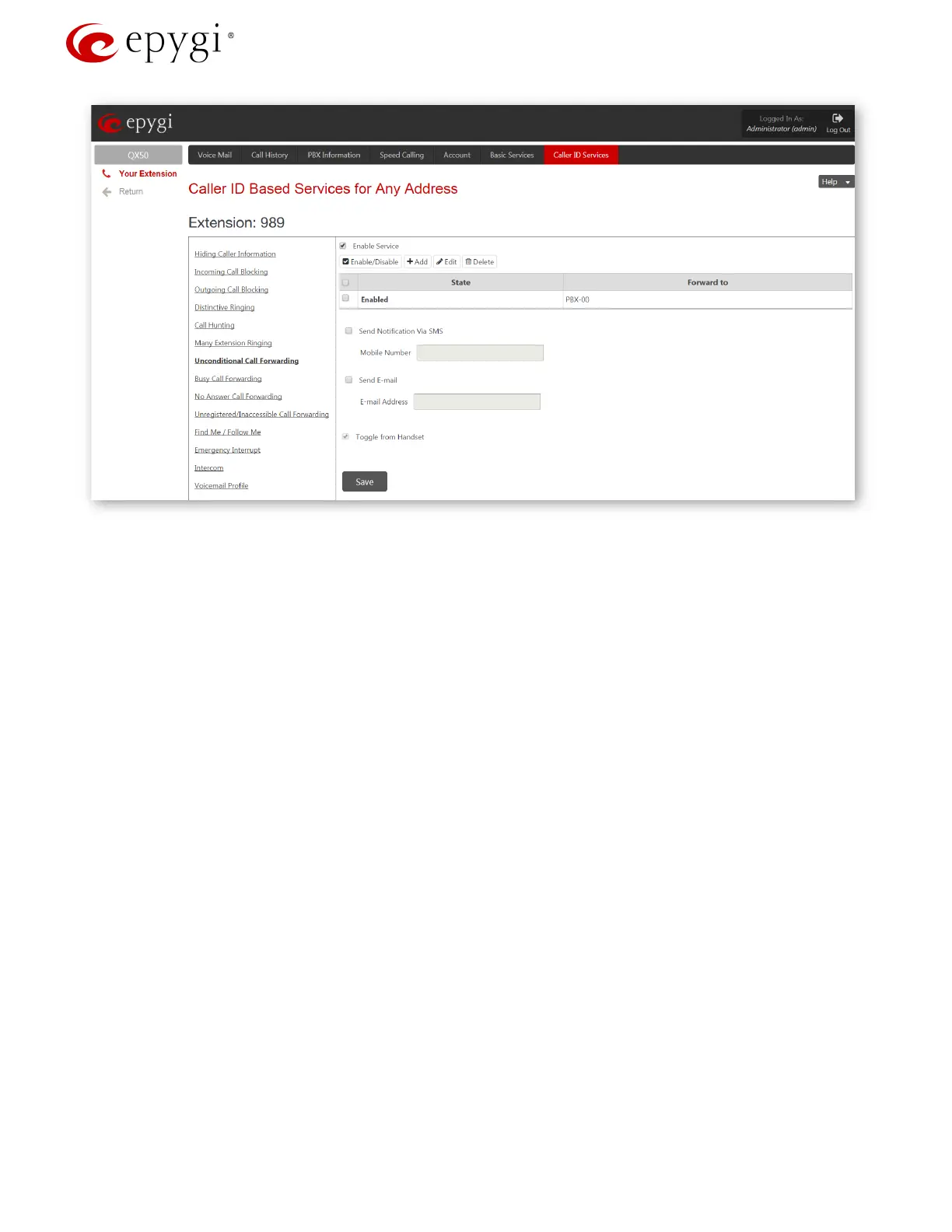
Figure 6: Unconditional Call Forwarding page for extension 989
2. The second option can be used when a range of DIDs is allocated and provided to the customer. In this
case it is possible to receive inbound calls directly to the same or different extensions. See below an
example with a range of 100 DID numbers (61390208400 – 61390208499) routed to the range of
extensions 100 - 199 accordingly. For this purpose create the appropriate call routing rule.
Go to the TelephonyCall Routing menu and press the Add button. The Call Routing Wizard
appears. Fill the following fields (
Figure 7):
Destination Number Pattern – 613902084{00-99} (for our example)
Number of Discarded Symbols – 9 (the first 9 digits in the incoming DID number will to be
discarded)
Prefix – 1 (will be added at the beginning of the remaining two digits)
Destination Type - PBX
Disable Filter on Source/Modify Caller ID service (to allow SIP callers to use this routing rule)
and press the
Next button.
Proceed to the end of the Call Routing Wizard by leaving other settings unchanged and finish
the wizard.
Revision 1.0 9 1-Oct-15



 To Next Page
 Loading...

