EasyManua.ls Logo

Equinox Systems 800 - Equinox 800 Menu and Button Reference; Settings Menu Overview; Accessing Sub Menus; Button Functions Description

Equinox Systems 800
2 pages
Print Icon
To Previous Page IconTo Previous Page
Loading...
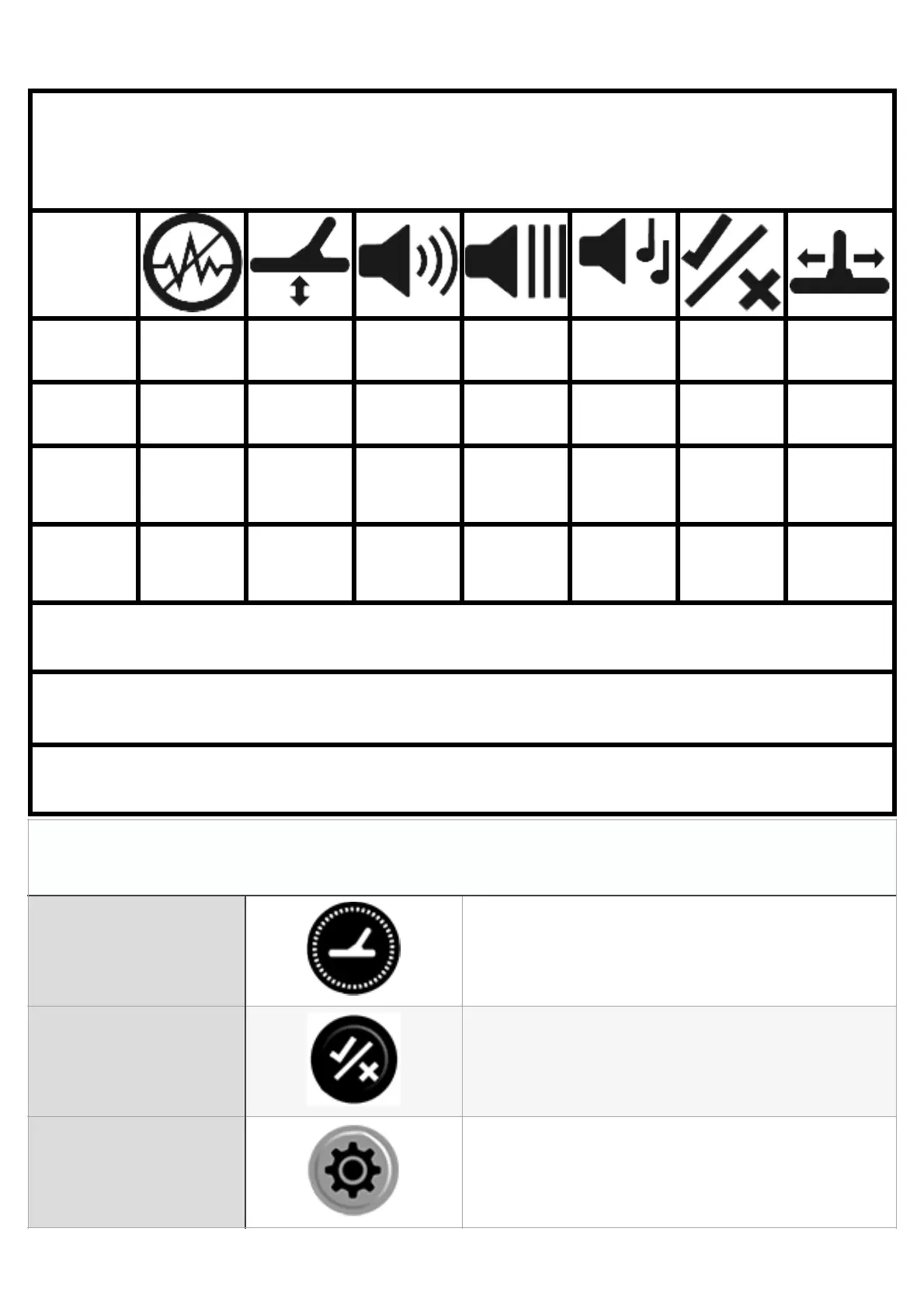
Joan Allen Guide for Equinox Settings,
Menus and Sub Menus
Icon
Menu Item
Noise
Cancel
Ground
Balance
Volume
Adjust
Threshold
Level
Target
Tone
Accept
Reject
Recovery
Speed
Menu
Setting
1
1
20-25
4
2
-9
3
Sub Menu
1 Setting
Not
Applicable
Not
Applicable
T1 = 3
Pitch = 1
T1 = 1
1
Iron Bias
= 3
Sub Menu
2 Setting
Not
Applicable
Not
Applicable
T2 = 25
Not
Applicable
T2 = 10
Not
Applicable
Not
Applicable
Mode = Field 1 To adjust any setting use the plus & minus buttons
To access sub menu 1 hold the cog/settings button when on the menu item
you want to change.
To access sub menu item 2 press the tick and cross button
Button Descriptions
Detect Button
Toggles between modes and when in settings
takes you back to the detect mode.
Accept/Reject
Button
Used to either accept target blocks or reject
them and also to access sub menus.
Menu/Settings
Button
Press to Access Equinox settings