16. FOOT ROLLER
Foot Roller Function Start/Stop Control Button
Press this button once to activate rhythmic rolling massage at soles, press this button again to stop
rolling massage at soles.
Note: During Auto Program mode, pressing this button can also disable/enable the foot rolling function.
6
9/10. CHAIR RECLINE AND RESTORE
Keep pressing to comfortably lay flat or to restore the chair to its original position.
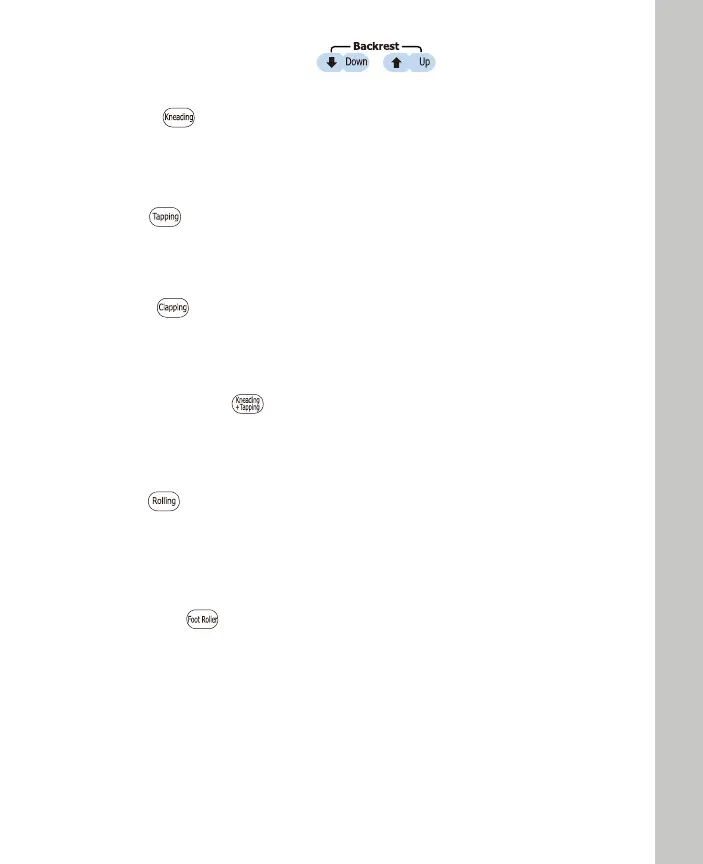
Press this button to activate rhythmic Kneading function for a full back massage at medium strength.
Press the button again to stop Kneading function.
11. KNEADING
Kneading Function Start/Stop Control Button
12. TAPPING
Tapping Function Start/Stop Control Button
Press this button to activate rhythmic Tapping function for a full back massage at medium speed.
Press the button again to stop Tapping function.
13. CLAPPING
Clapping Function Start/Stop Control Button
Press this button to activate rhythmic Clapping function for a full back massage at medium speed.
Press the button again to stop Clapping function.
14. KNEADING-TAPPING
Kneading-Tapping function Start/Stop Control Button
Press this button to activate rhythmic Kneading-Tapping function for a full back massage at medium
speed. Press the button again to stop Kneading-Tapping function.
15. ROLLING
Rolling function Start/Stop Control Button - 3 levels of width to be adjusted
Press this button to activate Rolling function for a full back massage. Press this button again to stop
the Rolling function.
Note: This function cannot perform "Spot" massage.


 To Next Page
 Loading...