EasyManua.ls Logo

ERNITEC 1500M - Page 10

ERNITEC 1500M
15 pages
Print Icon
To Next Page IconTo Next Page
To Previous Page IconTo Previous Page
Loading...
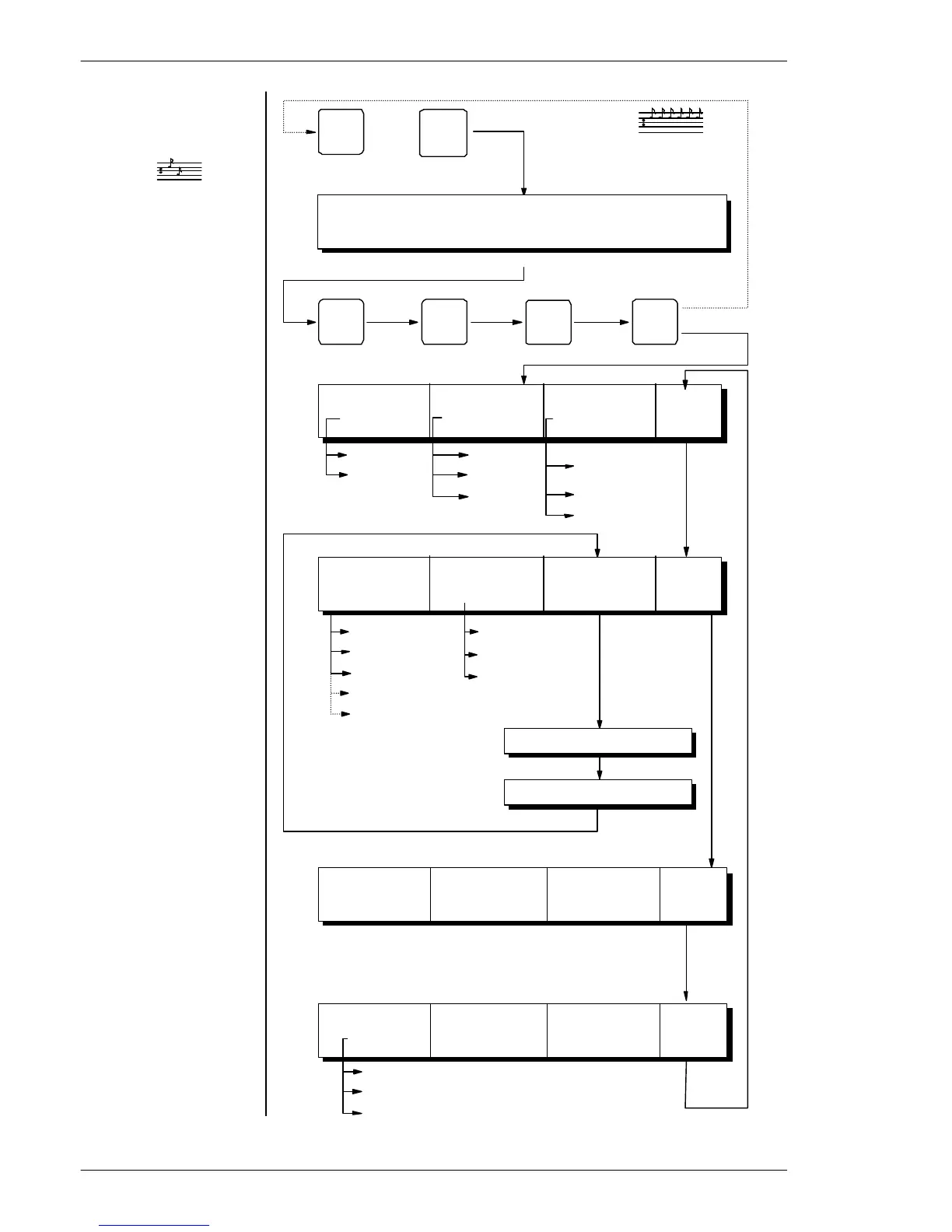
MENU
0
ESC
+
0 0 0
RS232
RS485
ArcNet*
CamCtrl
SysKbd*
1200/2400/4800
9600/19200/38400
156.25
312.5*
Kbd. 2 (RS232 only)
Kbd. 3
Kbd. 4 *
Kbd. 6
Kbd. 10
(7-10 ARCnet only)
Displays
ARCnet
statistics.
Displays
error log.
Displays
software
version &
release date.
Start programming of
keyboard.
Press ESC to leave
set-up.
Enter Password
(Default password is
0000)
Select Mode of
operation, Baud rate
and communication
interface.
Set keyboard address.
Set Function of AUX
relays in BDR-5XX/ICU
Change password.
Service menu only
Enter Password: XXXX
F4:OpMode F6:Comm. F7:Baud F9:
XXXXXX XXXX XXXX More
F4:Kbd. No F6: AUX F7:Change F9:
X XX XXXX Password More
Enter Password: XXXX
Reenter Password: XXXX
F4: ArcNet F6:Error F7:S/W F9:
Stat. Log Ver. More
F4: Beep F6:Reset F7:Test F9:
XXXX Settings Joystick More
Set beeper tone.
Reset keyboard settings
to default (marked with
an *).
Test and re-calibrate
joystick.
Latch*
No Latch
1801M
HIGH*
LOW
OFF
Resets all
settings to
default
FAULT
Test and re-
calibration
of joystick
OK
Installation and Setup instruction for Keyboard Series 1500
Page 10