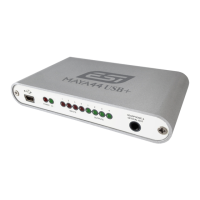
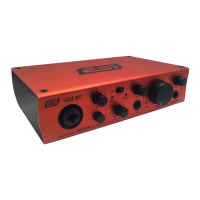
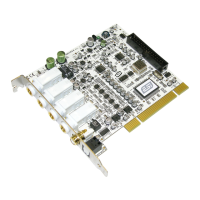
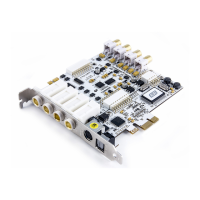
ESI Juli@
16
If the following window on the left will appears, click on Browse my computer for driver software
(advanced) in order to show Windows where the driver files are located. The dialog on the right
will appear.
Via Browse, you can select the folder that contains the driver data. If you install from the original
CD, select your CD-/DVD-drive and the \Windows Vista-7
folder. Otherwise select the folder that
contains the unzipped driver data from our website. Once done, click Next.


 To Next Page