2. Operations
2.1 Camera Operation
* Switch S1 to power on, the Green LED L2 turns on, after
about 25 seconds, the Blue LED L1 turns on, that means the
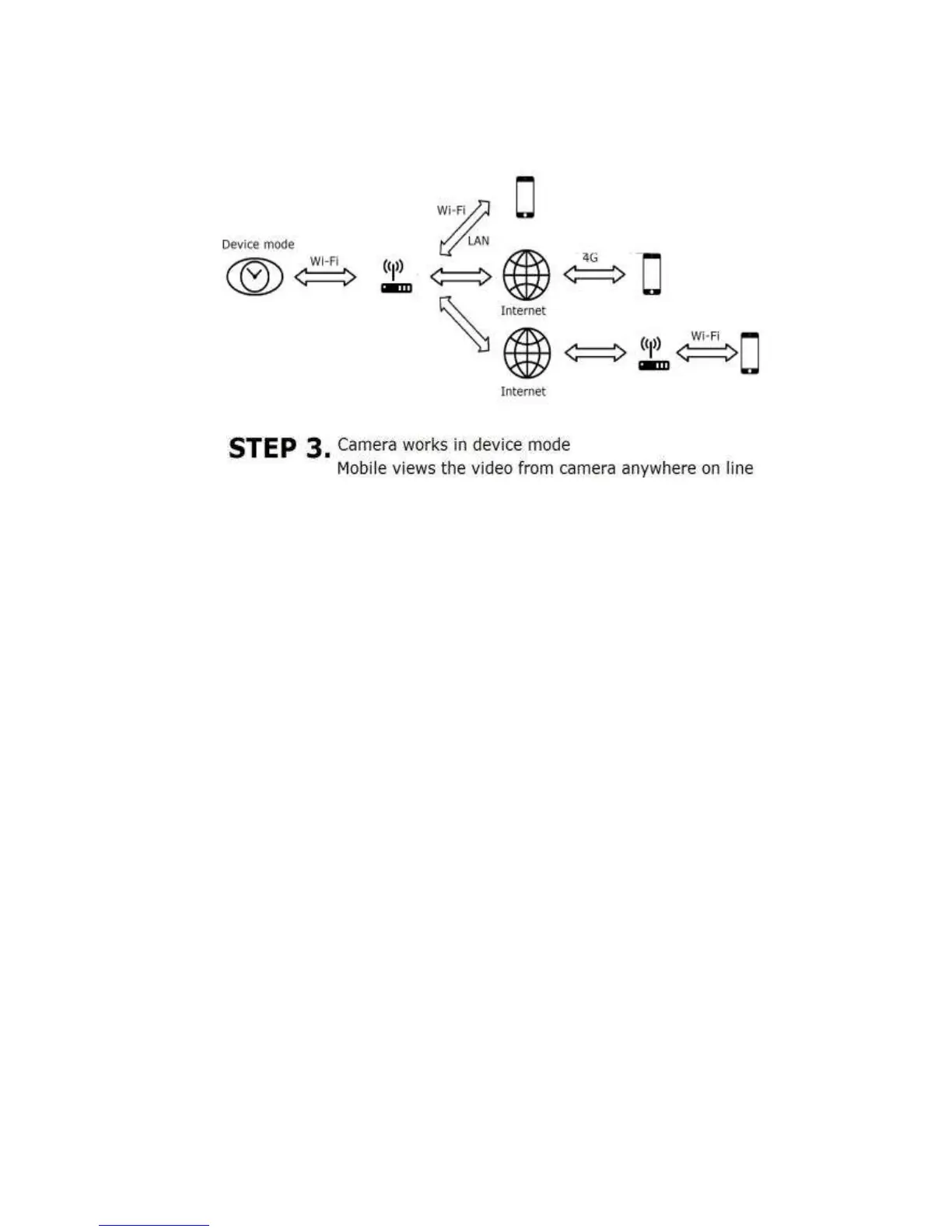
camera can be connected with the mobile phone.
* To start/stop recording (video saved in the Micro-SD Card),
please short press K1. The L1 will flicker when saving video
in the Micro-SD card.
* To reset to factory setting, long press K1 more than 10s



 To Next Page