9
Clock
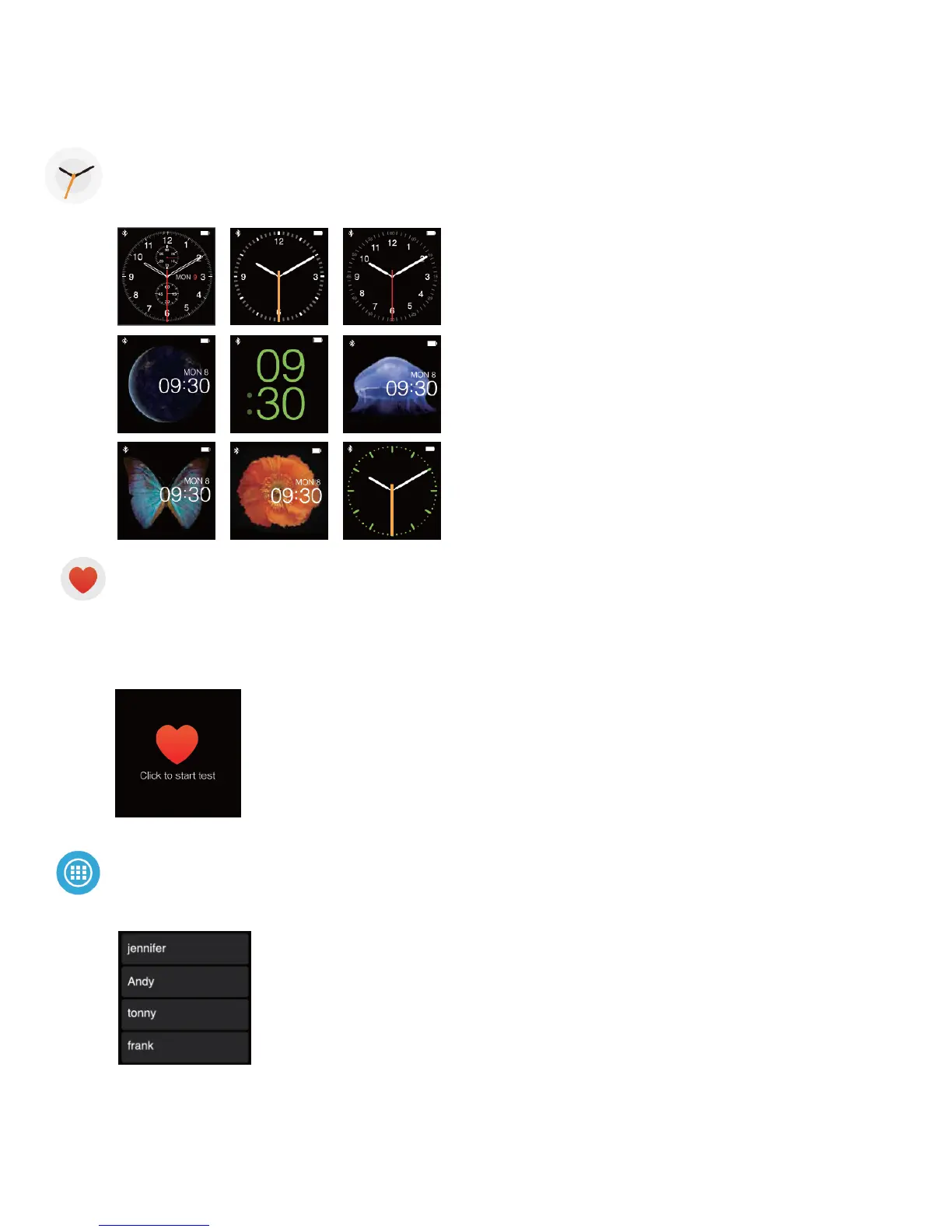
There are 9 watch faces in „eSTAR Smart Watch“ at your choice. Long press the screen for 3
seconds in Clock interface to change the watch face.
Heartrate
Enter the Heartrate menu, press Start to start monitoring your realtime heartrate. The heartrate
data will be showed after about 20 seconds. You can check the health analysis after monitoring.
The heartrate data will be recorded in the History menu automatically. You can also view the
history records in the APP/APK.
Apps
In the APPS menu, you can have Calendar, Find Me, Camera Remote, Calculator, Stopwatch, Recorder,
Anti-lost and Alarm


 To Next Page