12
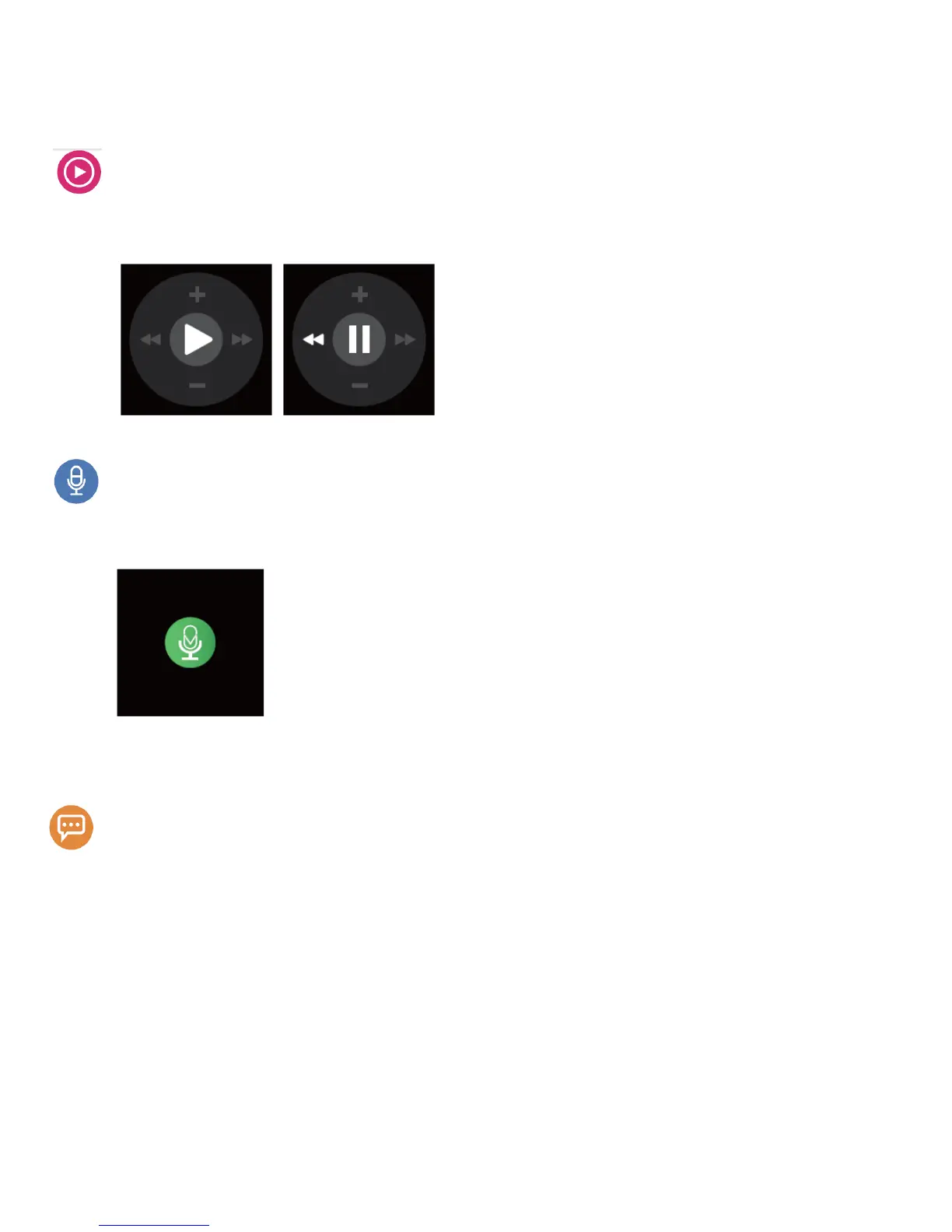
Music
After you pair your smart phone by Bluetooth,the watch can control the music play in the smart
phone, press the left key Is previous music, press the right key is the next music, + is volume up,
- is volume down.
Voice Control
lt is only for the smart phone that has the voice control function. After connected the smart
phone by Bluetooth, press the Voice Control, it can control voice dial and send the message. (This
function is only for the smart phone that has the voice control function, maybe iPhone)
Notification
After install APK or APP, connect Bluetooth and APP or APK, write reminders in the smart phone,
it can synchronize the reminders to the vvatch Notification menu. You can choose no notification,
1 minute, 5 minute, 10 minute or 30 minute notification.
Calendar reminder: After install APK or APP, connect Bluetooth and APP or APK, set appointment,
exercise, taking medicine, drinking water in the APK or APP menu, it can synchronize to the watch
Notification menu.
Daily life reminder:After install APK or APP, connect Bluetooth and APP or A P K, set Gmail and
common email in the APK or APP menu, it can synchronize to the vvatch Notification menu.
New email reminder: After install APK or APP, connect Bluetooth and APP or APK,
New social reminder: After install APK or APP, connect Bluetooth and APP or APK, set Facebook
account, QQ, WeChat, New message in the APK or APP menu, it can synchronize to the watch


 To Next Page
 Loading...