21
FUNCTIONAL INSTRUCTIONS
REMOTE FEATURES AND OPERATIONAL CONTROLS
4
3
2
1
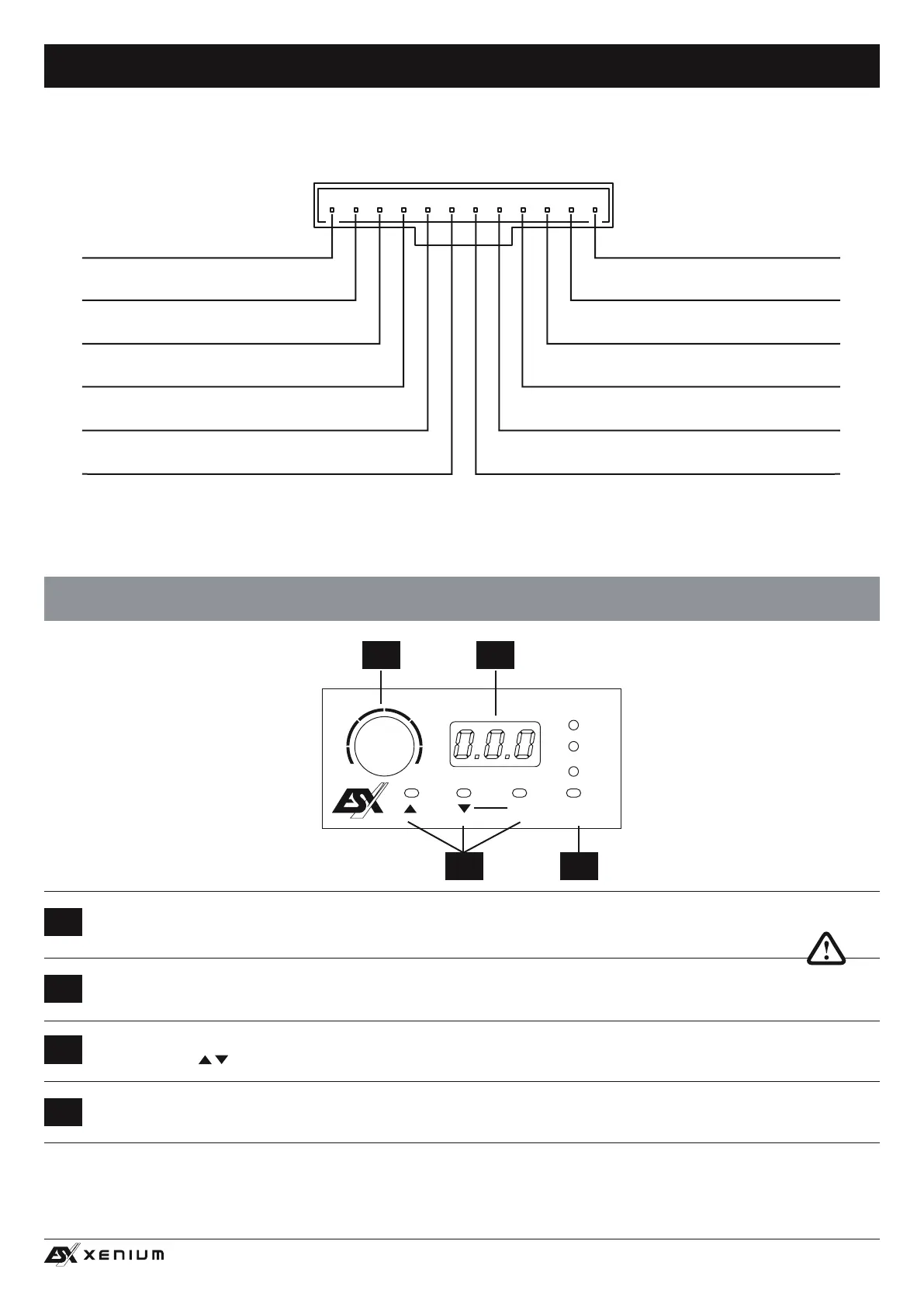
With the INPUT SEL. button you are able to switch between the signal inputs of the audio sources MAIN, AUX IN and OPTICAL.
MAIN is the input LINE IN (Page 21, #6) and HIGH LEVEL INPUT (Seite 21, #7) as well as SUB IN (Page 21, #5).
With the two MODE buttons you can choose between the settings, which are stored in the DSP.
Use the buttons
to select the desired setting and conrm with OK (# 3).
The LED display shows the values when turning the knob (# 1) or the number of the selected settings.
With this knob the overall volume of the sound system can be controlled. If you press and hold the knob for 3 seconds, the bass
level of output SUB OUT (G / H) can also be controlled.
3 4
POWER
USB
OUTPUT
FL
FR
REMOTE
PC CONNECT
RL
RR
SUB L
SUB R
AUX
INPUT
OPTICAL
INPUT
A B C D E F G H
X– DSP DIGITAL SOUND PROCESSOR
VOLUME
MAIN
AUX
OPTICAL
INPUTMODE OK
X– DSP
–
+
MAIN INPUT
HIGH LEVEL INPUT
1 2
CABLE SET HIGH LEVEL INPUT
ASSIGNMENT
BROWN/BLACK
SUB R –
BROWN
SUB R +
ORANGE/BLACK
SUB L –
ORANGE
SUB L +
PURPLE/BLACK
REAR R –
PURPLE
REAR R +
WHITE
FRONT L +
WHITE/BLACK
FRONT L –
GREY
FRONT R +
GREY/BLACK
FRONT R –
GREEN
REAR L +
GREEN/BLACK
REAR L –
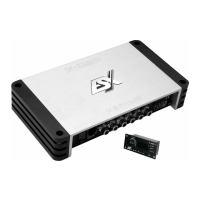
Important note: If the remote control is not connected, the DSP works with setting 1 and no settings can be
saved.


 To Next Page