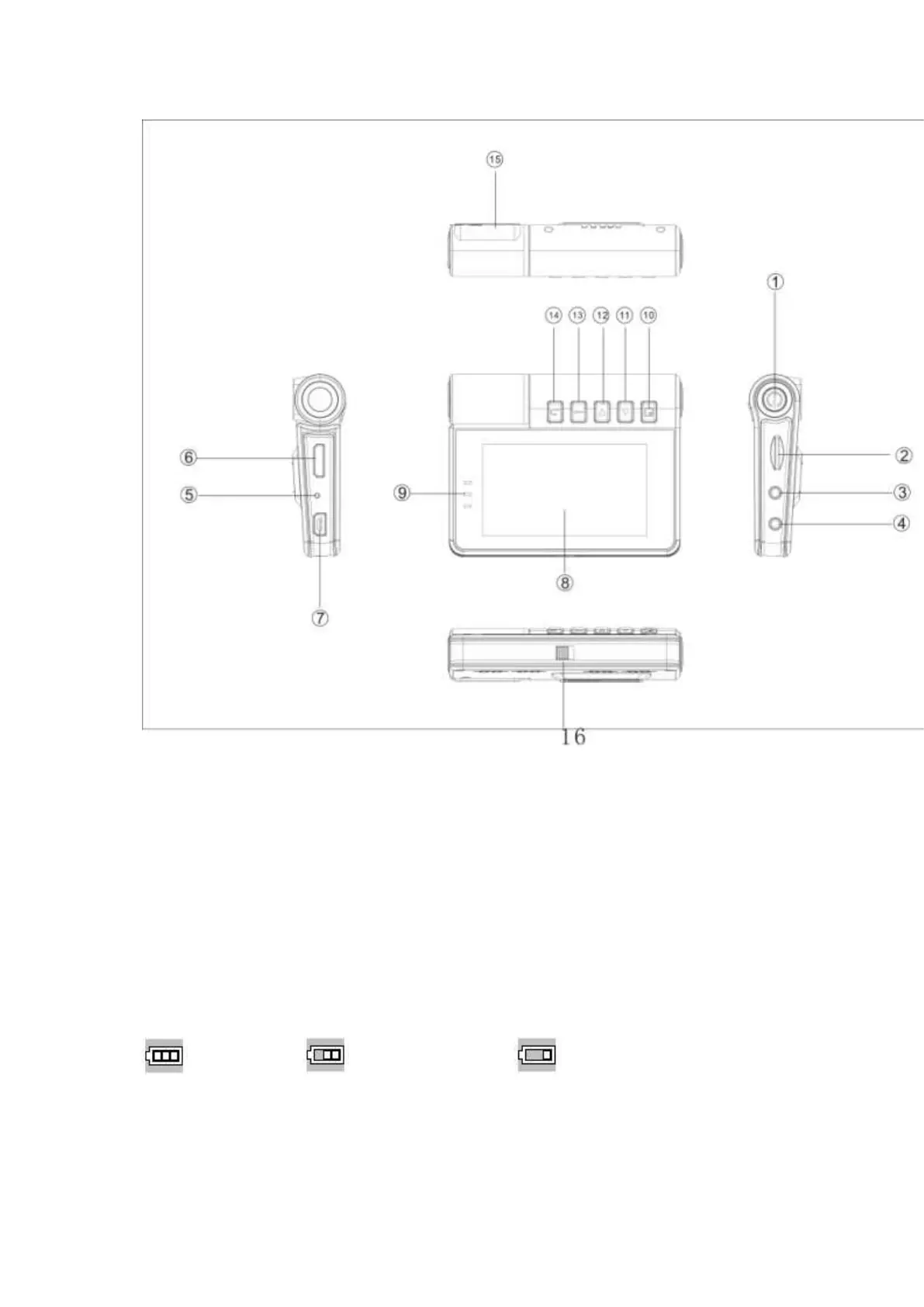
The function description:
1.Power Button 2.TF Slot 3.AV OUT 4.DC entry
5.Reset Button 6.HDMI Interface 7.USB Interface 8.Display Screen
9.Indicator Lamp 10.Menu Button 11.Up button 12.Down Button
13.Confirm Button 14.Return Button 15.Camera lens and infrared lamp
16.The battery switch
Battery Instruction
Full Battery Slightly Low Battery Low Battery
Battery Charge
1. Connect the charger to USB directly,the video will startup and charging,it also can charging


 To Next Page
 Loading...