EN 6
Operation
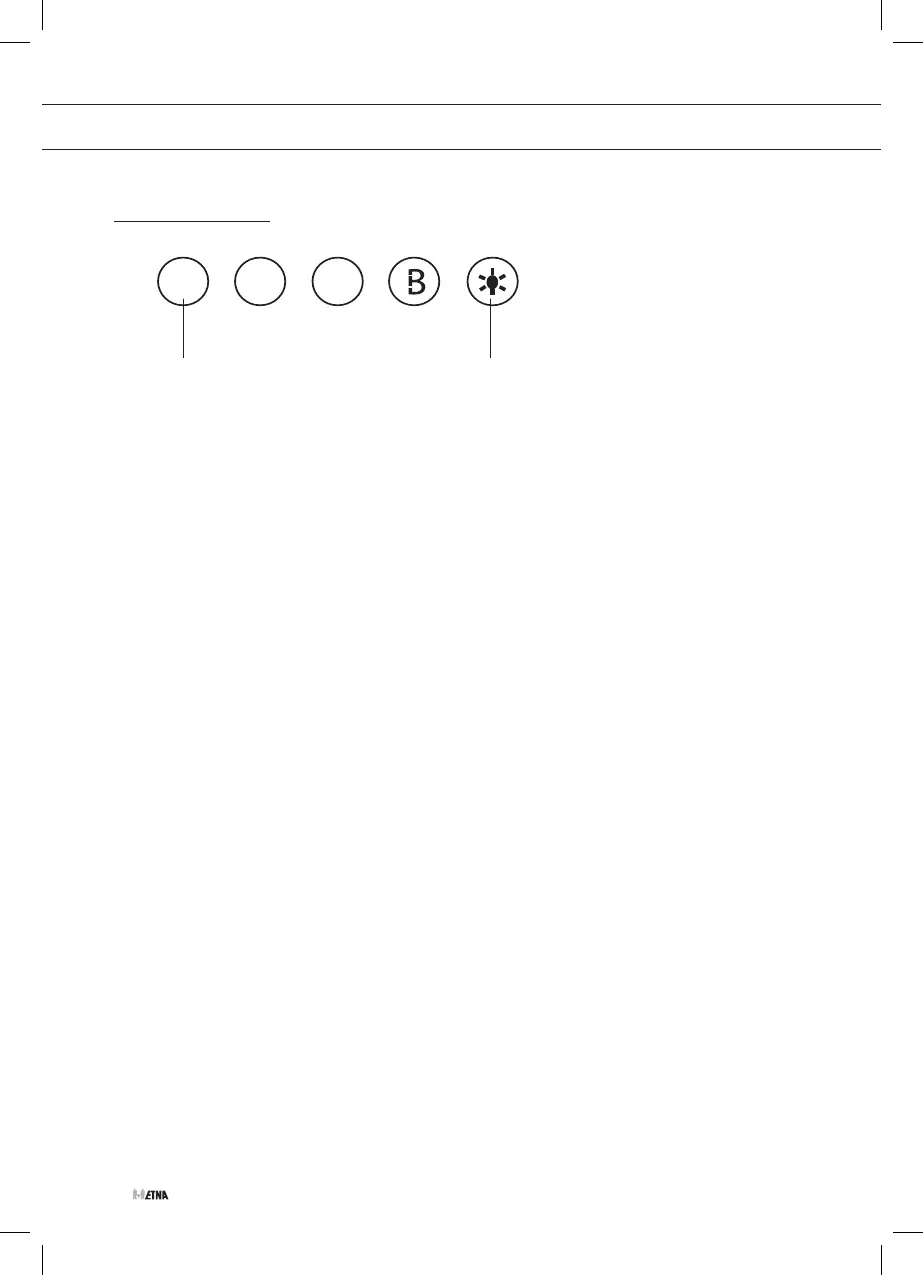
Switching the fan on and off
• Switch the fan on by pressing the On/Off button A.
• Select the required extractor speed by pressing button 2, 3 or B.
• Switch the fan off by pressing the On/Off button A.
Switching the lighting on and off
• Press the light button B.
▷ The light turns on.
• Press the light button B again.
▷ The light turns off.
USE
A B


 To Next Page
 Loading...