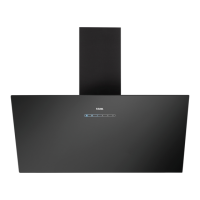
EN 6
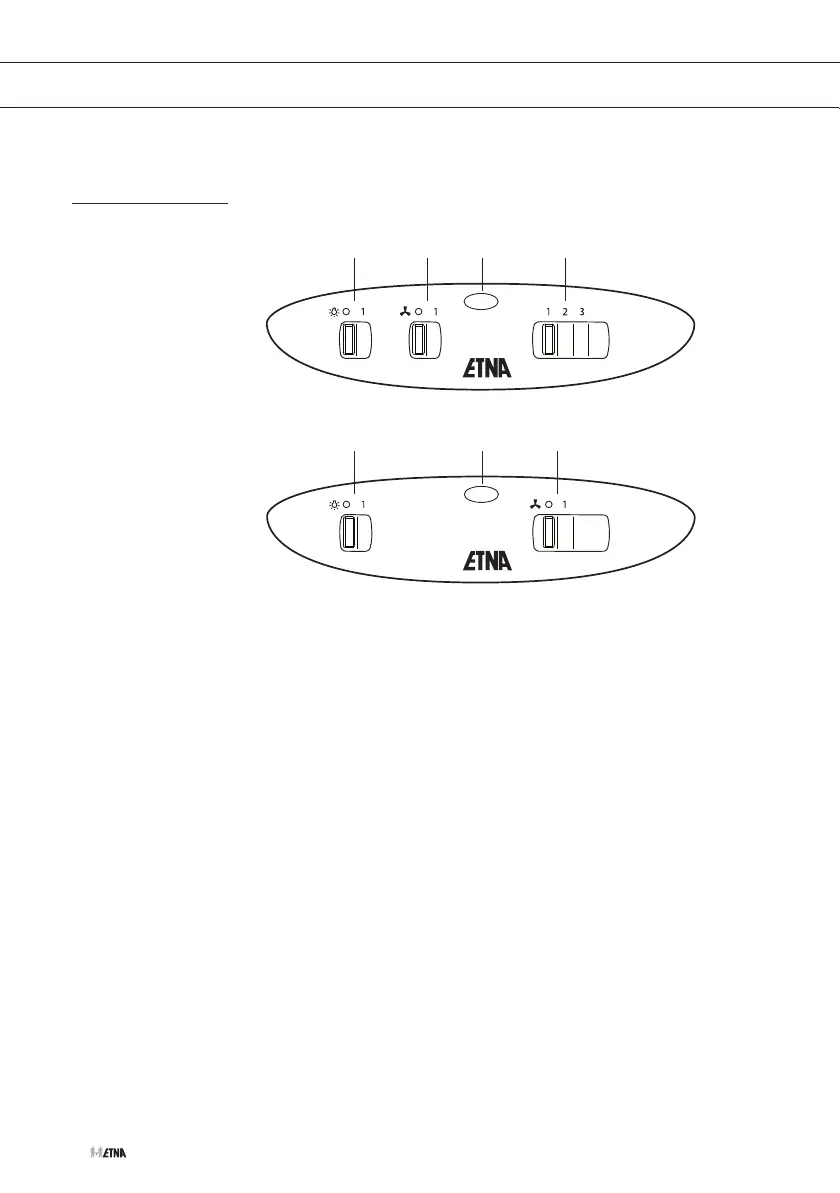
Controls
1
1
2
2
3
3
4
Switching on and off
1. Move the on/off slider to position ‘1’ for switching on the fan or
opening the electrical flap.
• The cooker hood switches to speed 1.
Use the speed regulator slider to adjust the speed.
• With models that are suitable for a central fan system, the electric
valve opens.
After switching on the cooker hood, wait at least 10 seconds before
switching it off again.
Switching the light on and off
1. Move the light slider to position 1.
The light switches on.
2. Move the light slider to position 1.
The light switches off.
USE


 To Next Page