encouraged to try to correct the interference by one or more of the following measures:
- Reorient or relocate the receiving antenna.
- Increase the separation between the equipment and receiver.
- Connect the equipment into an outlet on a circuit different from that to which the receiver is connected.
- Consult the dealer or an experienced radio/TV technician for help.
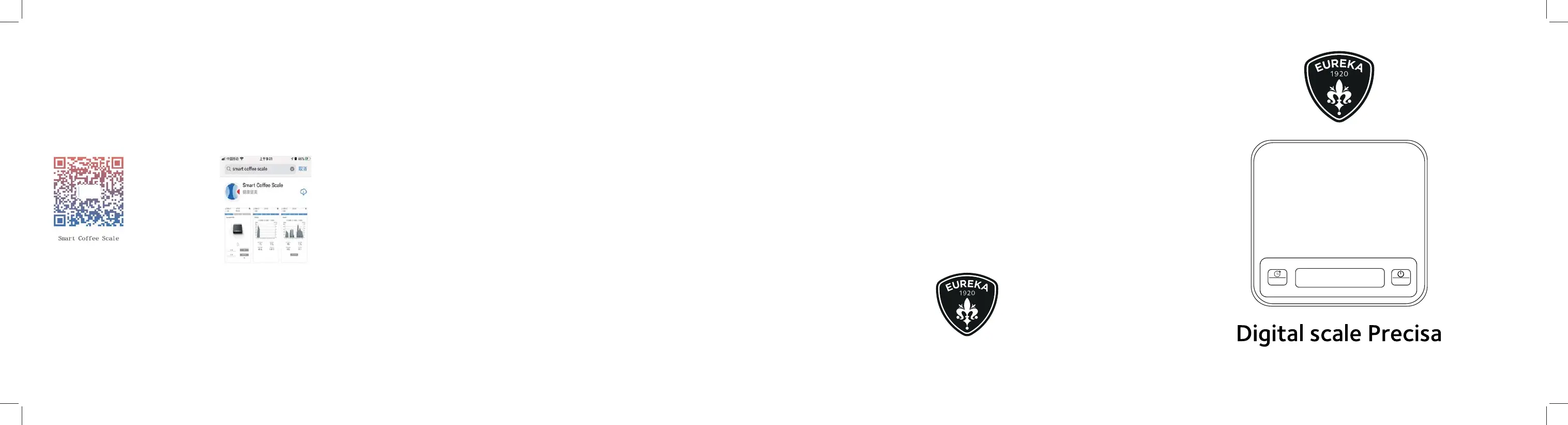
SMARTPHONE APP
1. Scan the below QR code to download “Smart Coffee Scale” application for iOS
.
2. For Android, pls download the apk. file from the website of www.eureka.com.
*Please turn on the Bluetooth on the mobile phone to connect the device of CFS-9002 with Bluetooth
according to the prompts in the Application.
* Please make sure the device is not paired with other mobile phones.
*The function, content and format of the App will be updated and improved periodically. Please pay
attention to the latest product news.
USER HANDBOOK
ZERO
TARE
CONTI VALERIO S.R.L.
Via Luigi Longo 39/41 - 50019 Sesto Fiorentino (FI) - ITALY
ME051-1-EN-PG-R00
11-2021


 To Previous Page
 Loading...