EVCO S.p.A.
c-pro 3 nano CHILL | Application manual ver. 3.0 | Code 144CP3NCE304
page 17 of 96
6.2 Unit OFF Main screen
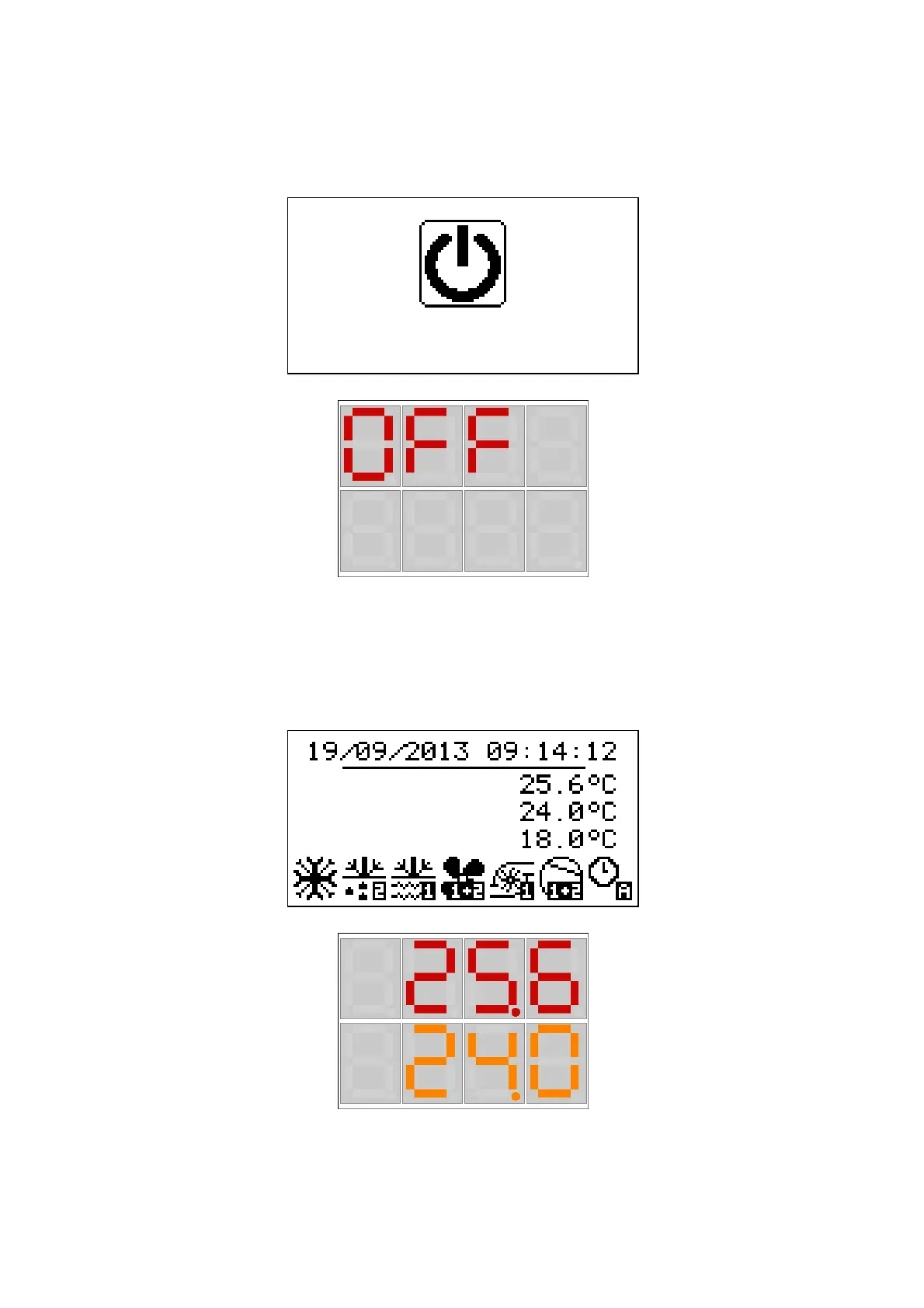
The main viewing screen varies based on the machine state, that is on (ON) or off (OFF): if the machine is OFF Unit OFF will be viewed
together with the cause of the switch-off (keyboard, DI, Supervisor, Scheduler, Alarm, Change).
Display Vgraph/EPJgraph
Display c-pro 3 nano CHILL
The display of c-pro 3 nano will show: "OFF" in the upper row and the reason il the lower row: keyboars (), DI (dI), Supervisor (SUP),
Scheduler (bAnd), Alarm (ALrM), Change (MOdE).
By pressing the ESC key from this page, the user accesses the Alarms page.
6.3 Unit ON Main screen
When you switch on the unit, the following main screen will be viewed:
Display Vgraph/EPJgraph
Display c-pro 3 nano CHILL
The display of c-pro 3 nano CHILL will show: in the upper row the inlet temperature of the utility exchanger and in the lower row the
outlet temperature of the utility exchanger.
At the bottom of the page some icons are shown to indicate some operating modes of the circuit.
T Output
Unità OFF
da tastiera



 To Next Page
 Loading...









