10
LAUNAM RESU OMUL NYKSNEVE
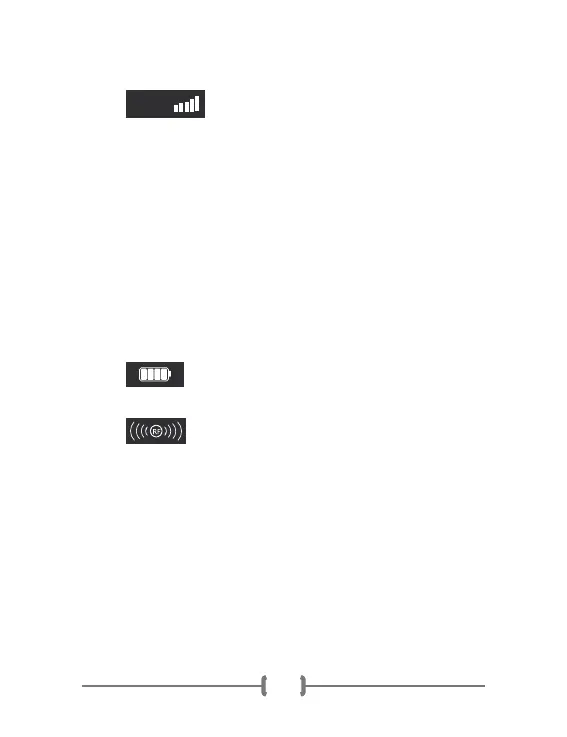
The level indicator on the screen of the
LUMO shows the level strength when using a certain
mode. The left key on the circular multi-functional key
panel located in front-centre area of the LUMO handset
can be used to reduce the level strength. Similarly, the
right key can be used to increase the strength of a
selected mode. There are five level strengths to choose
from, and the higher the strength applied, the more of
the desired effect is applied. The level helps you select
the mode, and factors such as age, frequency of usage,
the duration the device is used for, comfort level of the
user, among other factors, can all play a role in
determining what level strength is used.
The power icon found on the top-right corner
of the screen displays the charge level of the device.
The RF graphic in the middle of the screen
shows that radiofrequency will be applied. The
radiofrequency function can be used in a standalone
form to activate collagen and reverse the effects of
aging, or it can be used in conjunction with other
modes that follow:
PHOTON
This means that radiofrequency and photon (phototherapy)
functions are synchronized to enhance anti-aging effects.
LEVEL


 To Next Page
 Loading...