NexLog Recorder User Manual v2.2.0 45
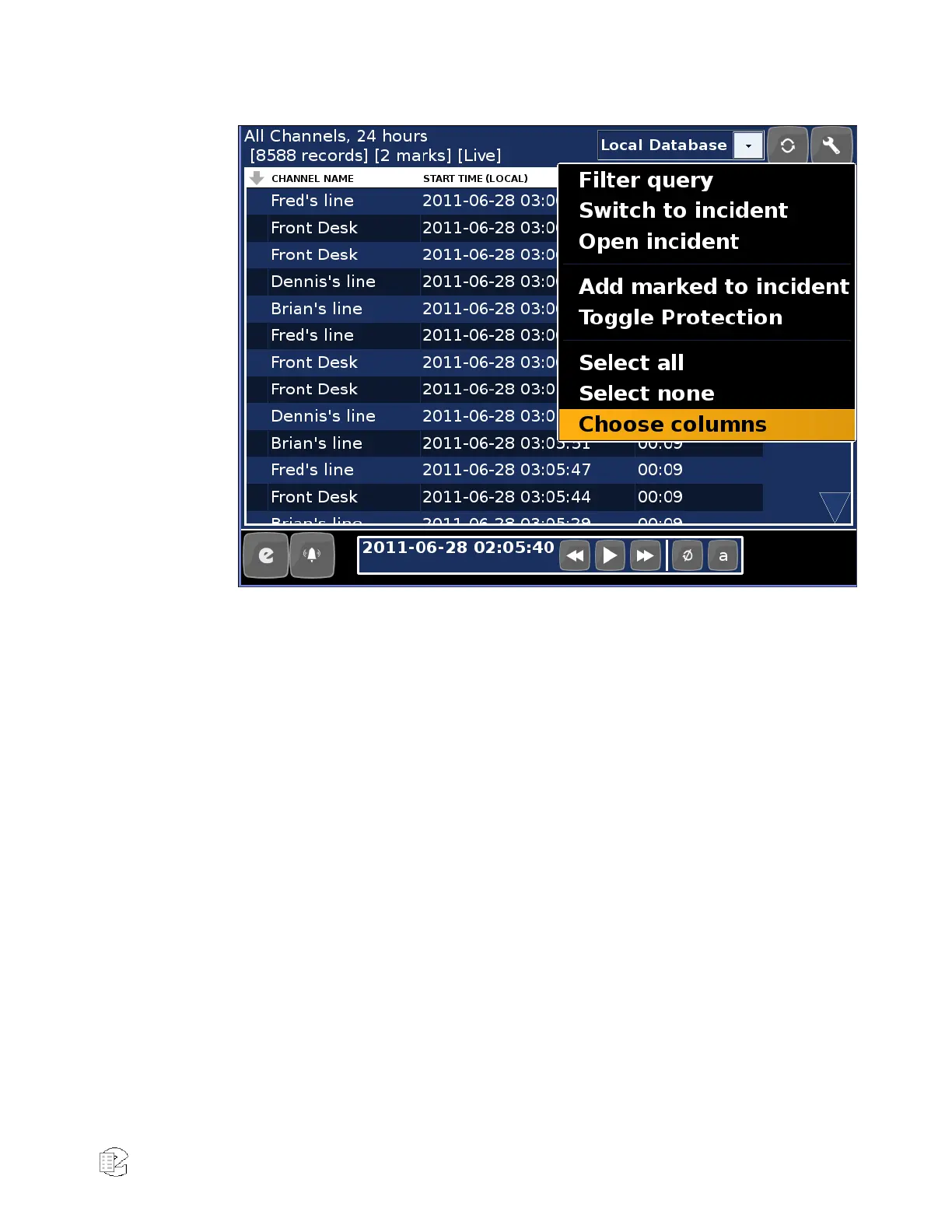
Figure 27—Replay Mode Menu
Creating Incidents
Incidents are a collection of recordings that can be managed separately from the
list of filtered recordings. Incidents can be saved and exported for future use
and shared with other users on remote clients like Eventide MediaWorks.
To add a recording to an incident you select the recording by pressing (or
clicking) in the left most column. Toggle check marks on and off for individual
recordings by touching the desired recordings directly. You can also mark and
unmark recordings en masse by touching “Select all” or “Select none” from the
Menu button, which adds or removes the selection checkmark on all recordings
at once. After recordings have been marked in this fashion, select an operation
from the Menu button at the top of the display. Selecting “Toggle Protection” will
enable or disable the “protected” flag for the selected recordings. “Protected”
recordings are preserved by the recorder and never marked for deletion.



 To Next Page