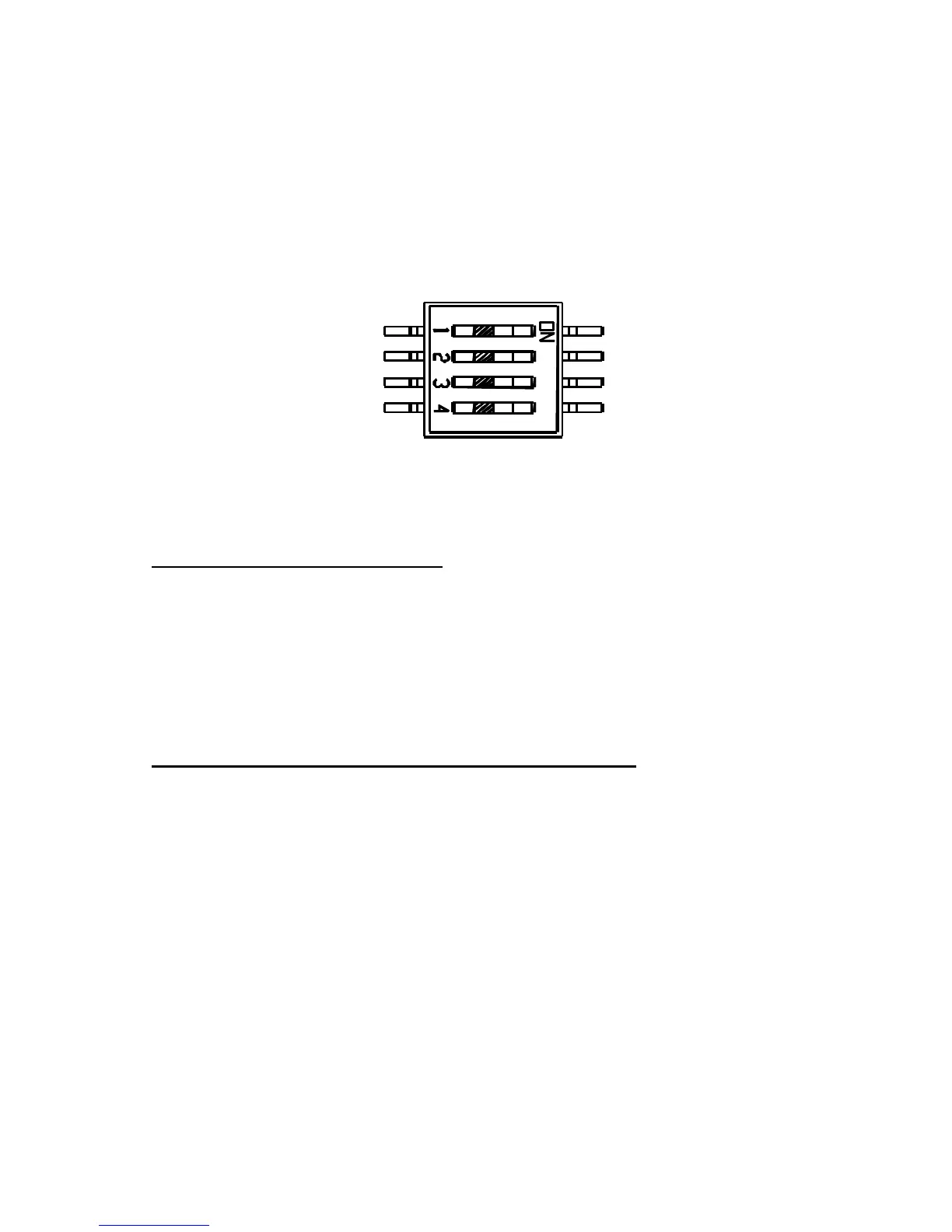
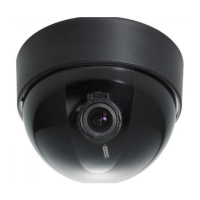
??The 4 control switches are also located on the side circuit board, the
switches in orders are for Flickerless, Back Light Comp, Auto Gain
Control and Line Lock.
FL(Flickerless) Normal/On
When picture flicker fiercely, turn FL on, then the camera will stabilize the
speed of electronic shutter at 1/100(NTSC) or 1/120(PAL) automatically,
and reduce the flicker immediately. The default setting is Normal.
BLC (Back Light Compensation) Normal/On
When BLC is turned on, the AGC, ES and IRIS operating point is
determined by averaging over the center area instead of entire field-of-view,
so that a dimly-lit foreground object at center area can be clearly
distinguished from brightly-lit backgrounds.
BLC should not be used unless it is needed to compensate for back-lit. The
default setting is Normal.
FL Normal
On



 To Next Page