Model Specific
13. Disable Record Stop (P2, Paragon 264X4)
(1,3)
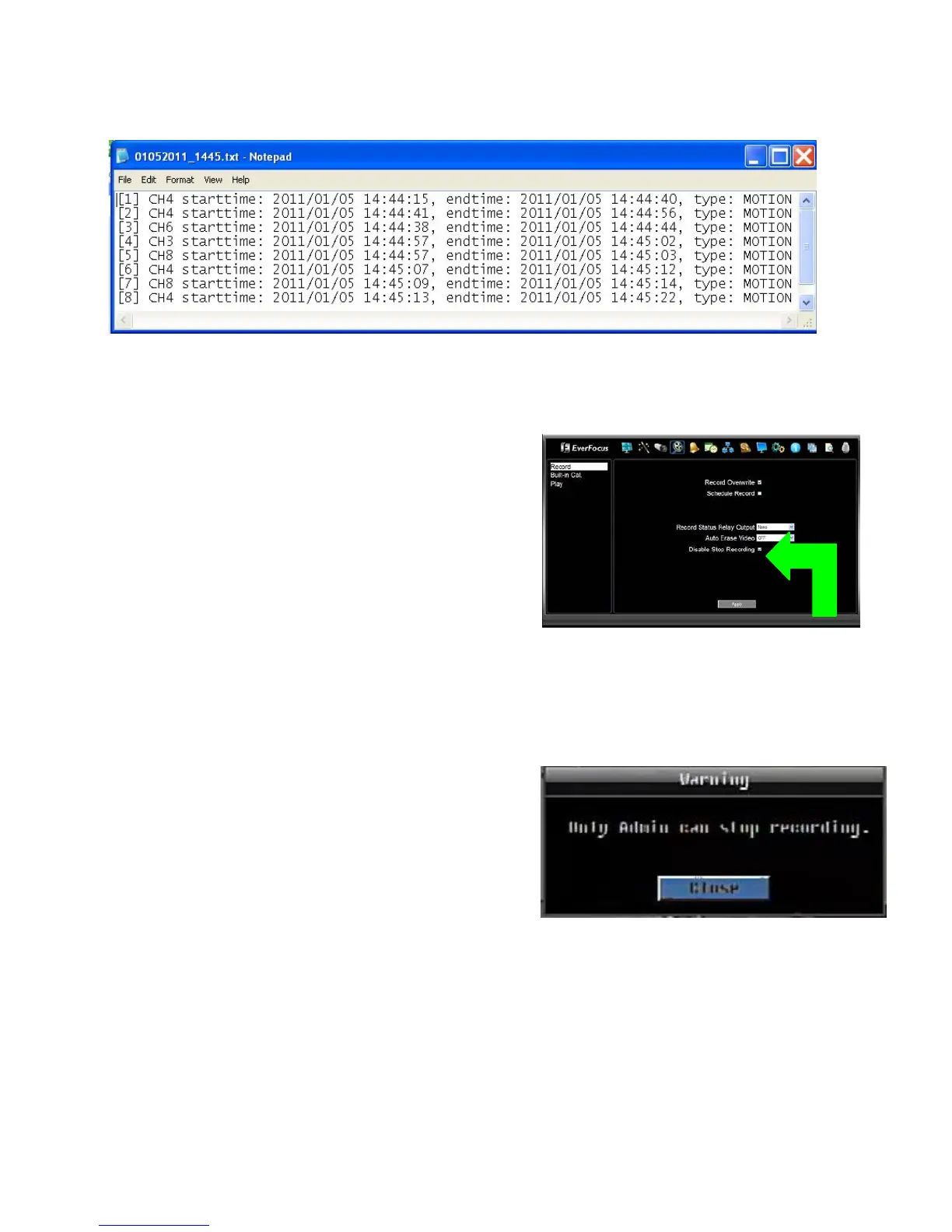
On this model, pressing the STOP button will end
playback, but could also direct the DVR to stop
recording; to prevent terminating recording by accident,
two changes have been made. One is a check box
which limits the STOP button function to ending
playback, and not effecting recording. The default will
be for the “disable Stop Recording” box to be checked.
The second change is that, if this box is not checked, only a user with “admin” rights can stop
recording. If the stop button is pressed, before recording is stopped, the DVR will present a pop-up
“Are you sure? Y/N” box; if a “stop’ is requested by a ‘manager’ or ‘user’ a popup will advise that
admin rights are required and no action is taken.
14. Improved Network Connectivity (P2, P264X4, ECOR264X1)
(1)
TCP/IP connection reliability
in low bandwidth and under other conditions has been improved. A popup which implied that the
connection had failed when it was still intact has been removed.













 To Next Page