Re-tuning: EVESHAM Freeview Recorder
7 Steps
(Steps 6-7)
7 Steps
(Steps 6-7)
email: info@vestel-uk.com
9) Select preferred
language and press
the OK button
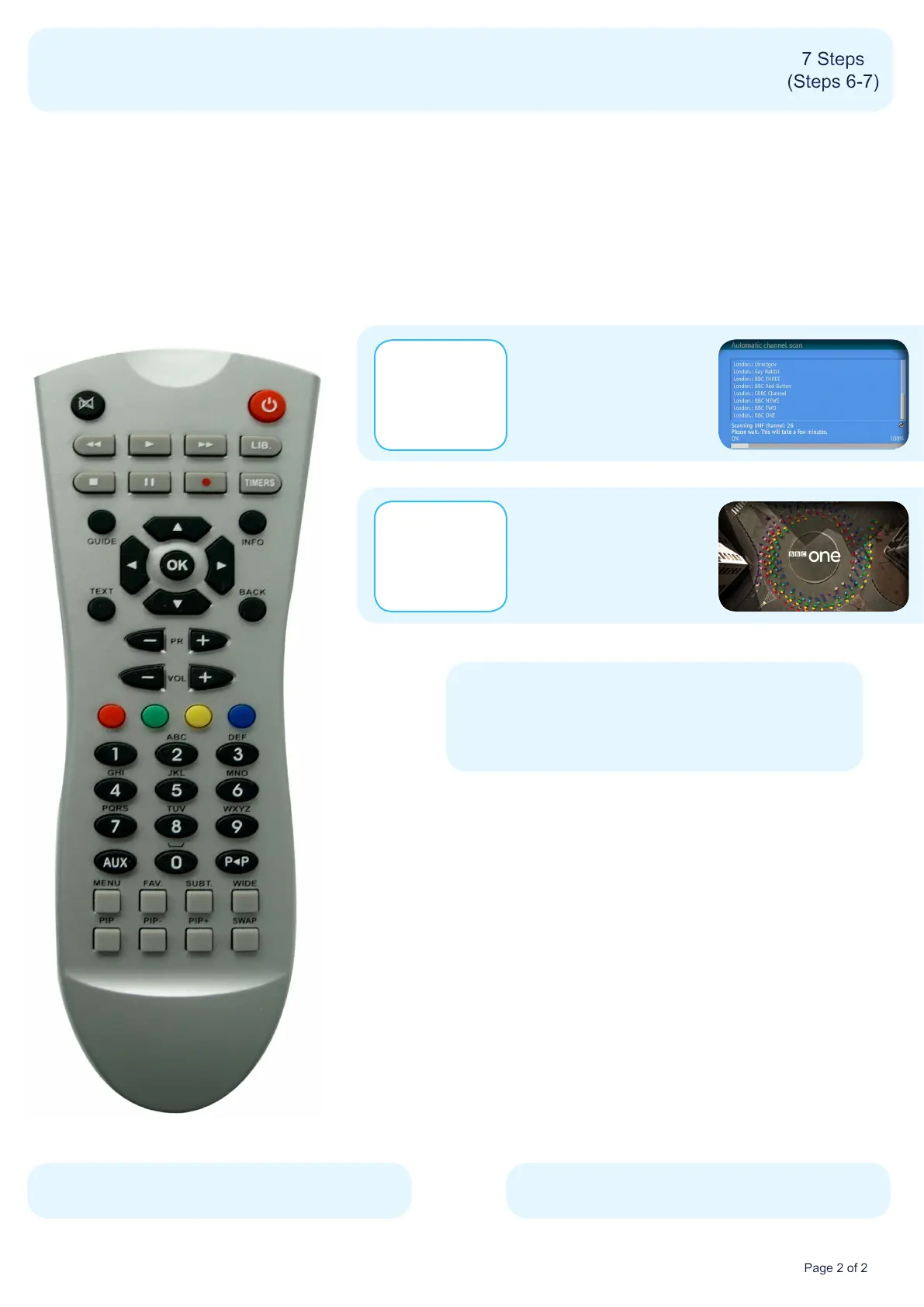
6) A re-tune screen will
appear
No action required
7) BBC1 will
automatically play
out when the
re-tune has
completed
You have completed the
procedure and can continue
viewing digital channels.
Manufacturer Helpline: 01753 834 501
* This process may affect any saved information stored on your product, including your favourites list.
Please consult your instruction manual or contact the manufacturer using the details above.


 To Previous Page
 Loading...