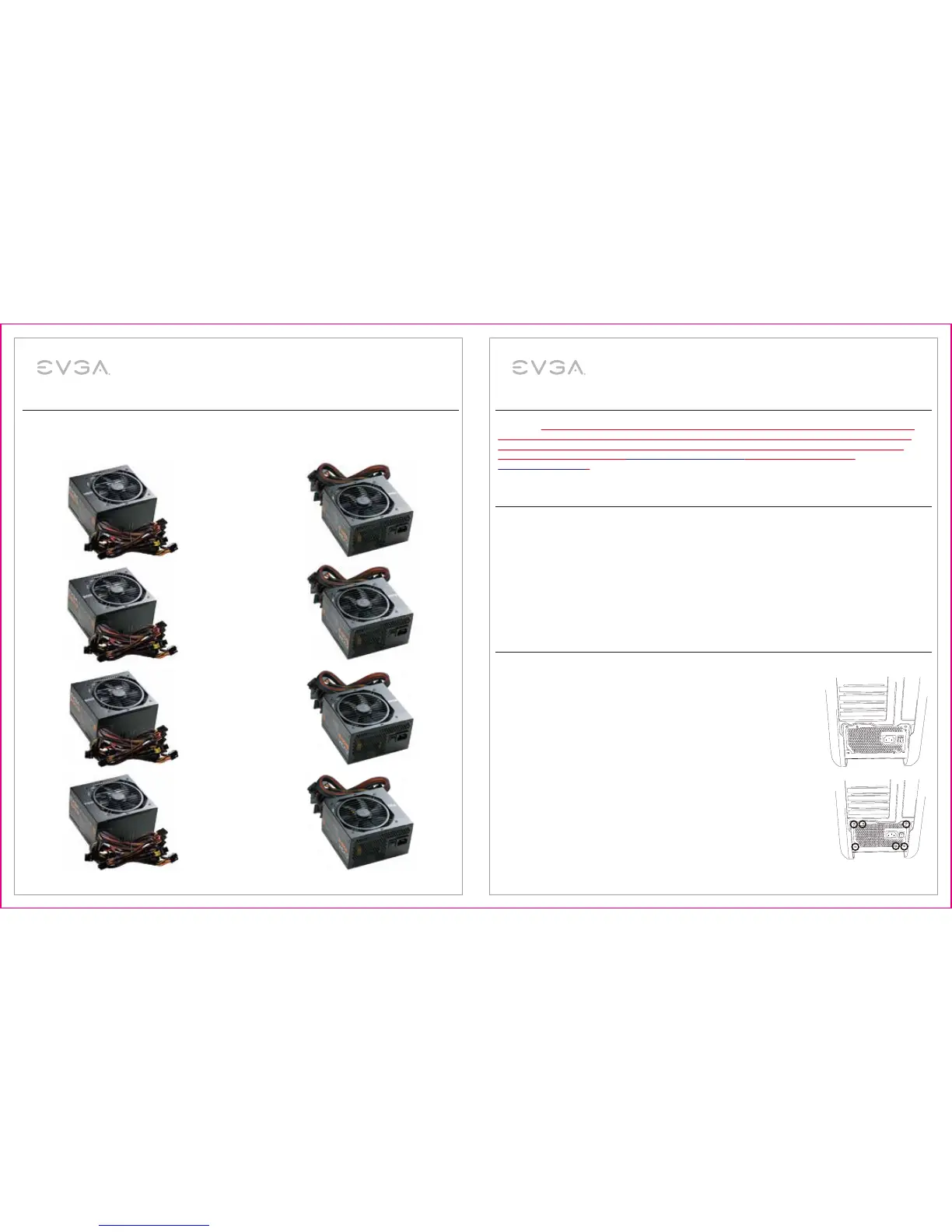
450W / 500W / 600W / 700W BRONZE
Power Supply User Manual
450W / 500W / 600W / 700W BRONZE
Power Supply User Manual
Introduction: Premium Power
Thank you for purchasing the EVGA 450B/500B/600B/700B 80 PLUS
®
BRONZE Rated power supply. EVGA
450B/500B/600B/700B are premium quality power supplies intended to meet the needs of the most demanding PC
enthusiast systems. Designed with enthusiast needs in mind, EVGA 450B/500B/600B/700B is the best choice to
power next generation systems.
STABLE POWER
The 450B/500B/600B/700B has outstanding electrical performance with ultra stable voltage and extremely clean
power output. This can help you achieve the highest possible overclock (optional) and provide the most stable and
reliable power to all components. The 450B/500B/600B/700B also provides up to 85% (115VAC) / 85% (220VAC
~240VAC) efficiency and is 80 PLUS
®
BRONZE certified.
TOP QUALITY PROTECTIONS
The 450B/500B/600B/700B comes equipped with the most comprehensive protection set possible, including Over
Voltage Protection (OVP), Under Voltage Protection (UVP), Over Power Protection (OPP), Short Circuit Protection
(SCP), Over Temperature Protection (OTP), and Over Current Protection (OCP). This product is also covered by a
3-year warranty and EVGA’s legendary customer service and support.
Safety Information
WARNING: This unit has no user-serviceable parts inside. Opening the casing presents a risk of electrocution and will
void the product’s warranty. EVGA will not be responsible for any result of improper use, including but not limited to,
any use of the product outside of its intended purpose or use inconsistent with the warranty terms available online.
(Warranty information is available at www.evga.com/support/warranty and this manual is available at
www.evga.com/manuals).
Installation
1. Remove the power supply from its packaging.
2. (Optional) Using the provided PSU testing tool, connect the 24-Pin cable to the
PSU, then attach the testing tool to the 24-Pin cable. Connect the ATX power cable
to the PSU and plug the PWR cable into the outlet or surge protector/UPS you plan
to use. Once connected, turn the power switch to the ON position.
Please note: If you are using a water cooling configuration, this testing tool
provides a simple, safe, option for bleeding/draining/testing water cooling
components without the need of a paperclip or other device.
3. Use the screws provided with your case to install the power supply into your
computer. NOTE: It is recommended to install the power supply with the fan
facing down. However, if your case places the power supply at the bottom of
the case and there are no ventilation holes available, it may be best to install
the power supply with the fan facing up for greater efficiency and reliability.
Features
EVGA 450W BRONZE
EnglishEnglish
2 3



 To Next Page
 Loading...