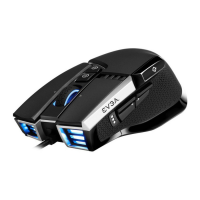
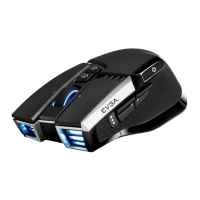
SETTING UP YOUR X20 GAMING MOUSE
2.4GHz Wireless Mode:
a. Plug the USB charging/data cable to computer.
b. Use extension adapter to connect USB receiver and USB charging/data cable .
c. Turn the connection switch to “ 2.4G” position.
d. The Pairing LED on mouse will turn solid green while connected.
Bluetooth Wireless Mode:
a. Turn on Bluetooth enabled computer and initiate Bluetooth pairing mode.
b. Turn the connection switch to “ ” position.
c. Press pairing button on mouse for 5 seconds and the pairing LED on mouse will start blinking green.
d. The Pairing LED on mouse will turn solid green while connected.
Sniper Button:
Allows you to change DPI to 400 (Default value) when held.
LOD Sensors:
X20 Mouse is equipped with two LOD sensors. You can calibrate each LOD sensor with EVGA Unleash
Software.


 To Next Page