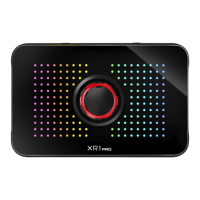
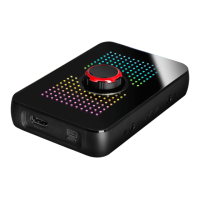
Control Dial Function
Left: Switch to Adjust Volume of Mic-In
LED Mode:
Volume Adjustment mode:
Control Volume of Mic-In / Console Party Link
Right:
Switch to Adjust Volume of Console Party Link
Press and hold 3s:
Enter/Exit Advanced Pass Through Mode
Press and hold 10s: Device Reset
Press: Disable / Enable Mic-In Function
Press
Press


 To Next Page