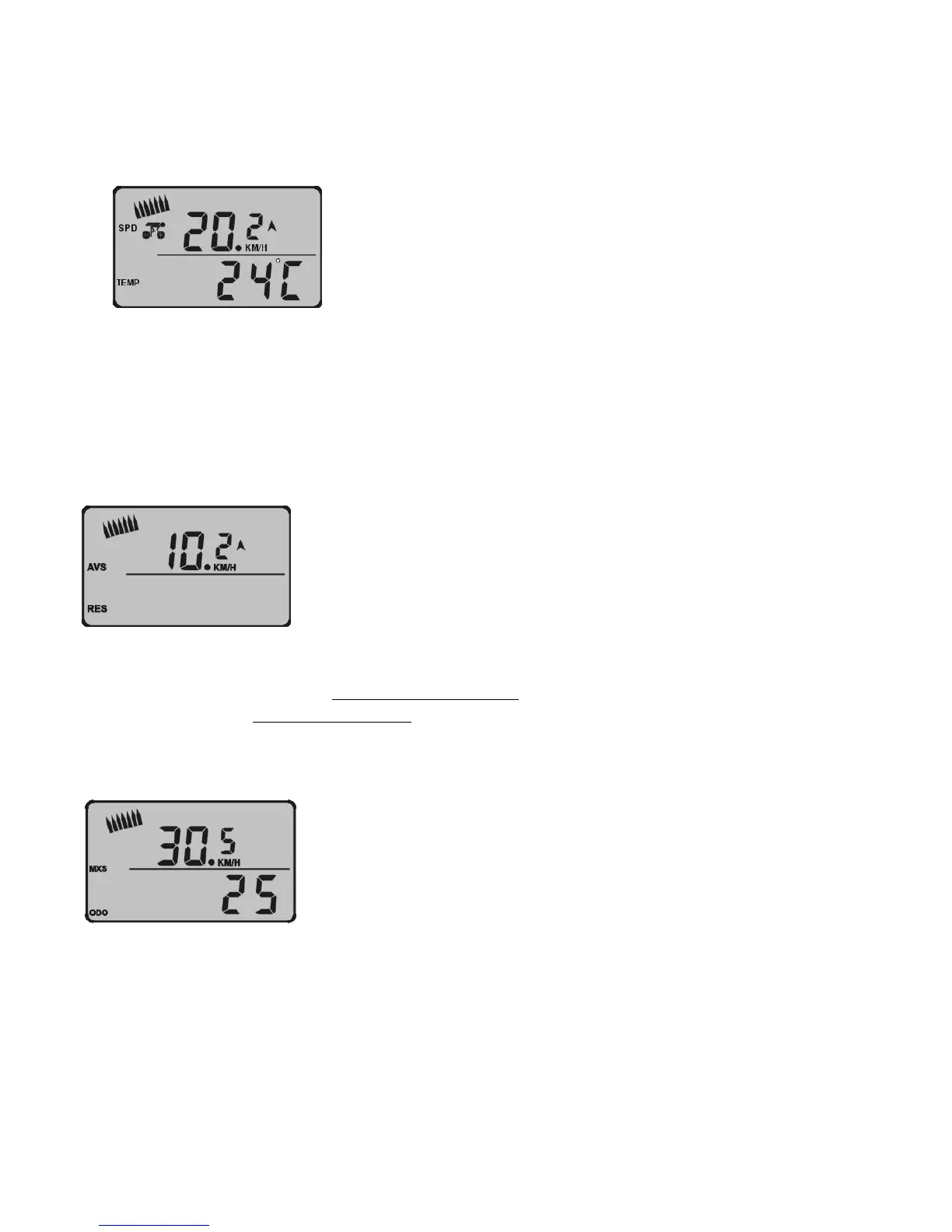
5. Press “MODE” key to change display, see diagram T,
Diagram T
a) The top data is the current speed
b) The bottom data is the temperature e.g.: 24 degrees.
6. Press “MODE” key to change the display, see diagram U,
Diagram U
a) Finger symbol shows current speed, AVS expresses average speed
, e.g. the average speed from the start of riding to the
current time: 10.2KM/H. RES shows relative speed
, e.g. this is your AVS speed and current speed combined: 10.0KM/H.
7. Press “MODE” key to change the display, see diagram V
Diagram V
a) MXS shows the quickest speed in riding is 30.5KM/H.
b) ODO expresses the total distance from battery installation to current time.
c) When you press “SET”, ODO value can not be set “0” again, but press “MODE” and “SET” at the same time for 2 seconds,
ODO value will change to “0”


 To Next Page
 Loading...