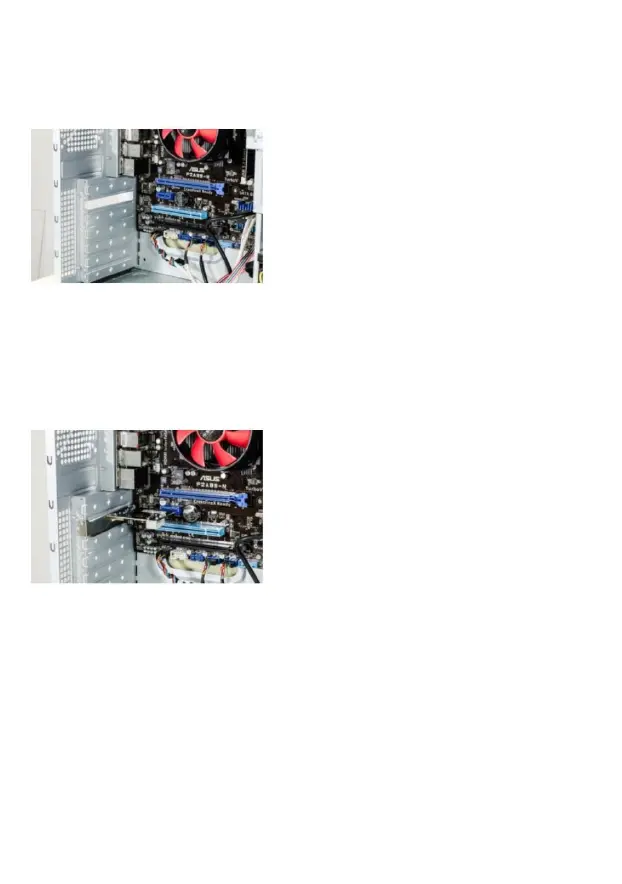
Open the housing of your PC. Then
look for a free PCI slot and carefully
remove the associated slot bracket.
Plug the PCI card into the slot
provided. Make sure that the card sits
tightly in the slot. Then use a screw to
fix the card to the PC housing.
4 Driver installation
If you are using a current operating system (Microsoft
Windows 7 or higher) the driver installation will be done
automatically. Then the PCle card is ready for use after a few
minutes.
5 Safety instructions and liability disclaimer


 To Next Page