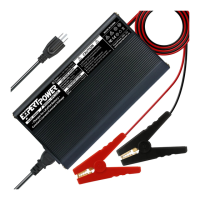
Insure that the two alligator clips are separated, not
touching each other, and that they are not touching
any foreign metal objects or near ammable materials.
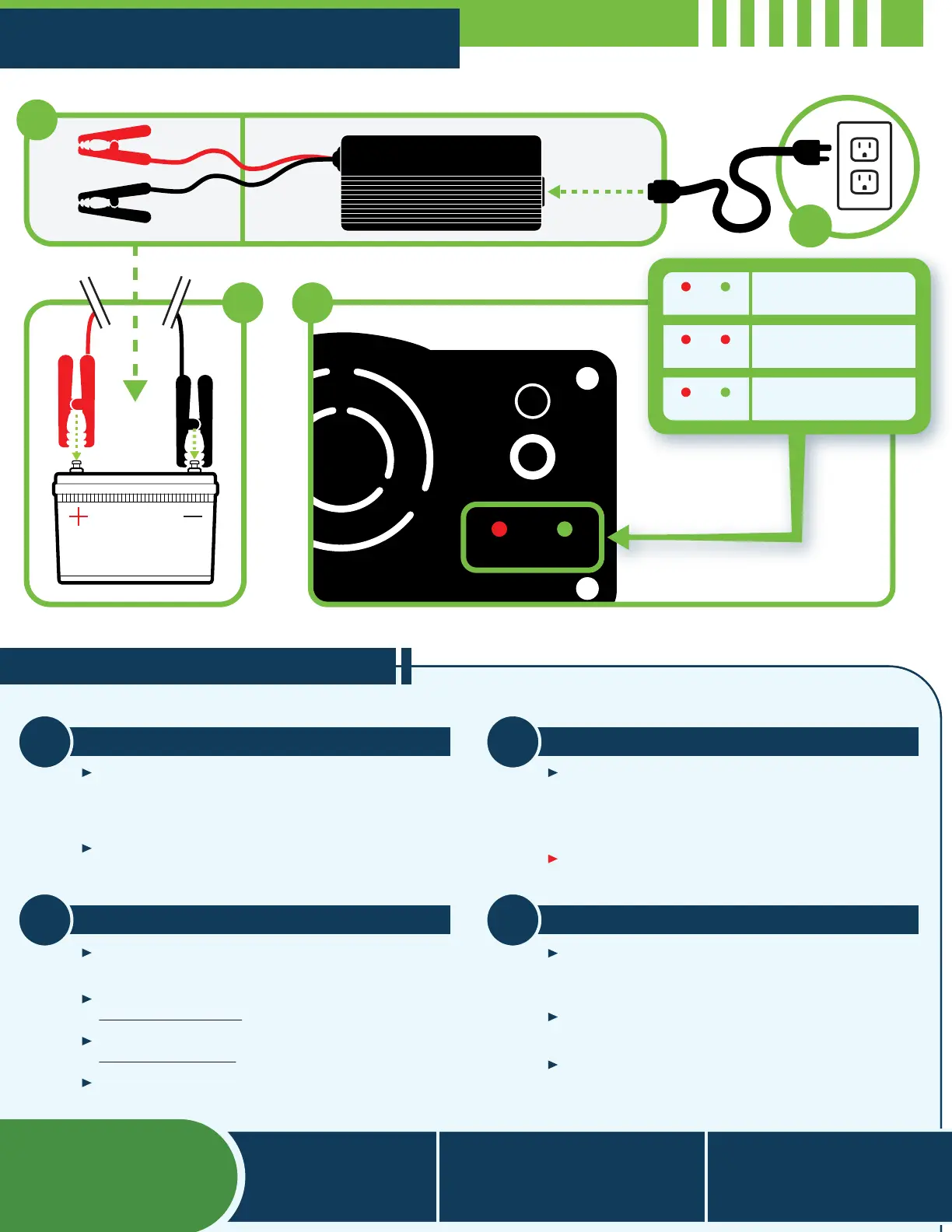
Connect the AC cord to your Smart charger before
connecting it to the wall socket.
Before Starting
Connecting to Battery
1
3
Make sure that you are charging the correct battery
type for this charger.
First, connect the BLACK alligator clip to the
Negative (–) Terminal.
Then, connect the RED alligator clip to the
Positive (+) Terminal.
LED 2 will turn RED to indicate charging is starting.
Once you’ve followed the precautions on step 1, plug
the AC cord directly to your AC wall outlet. LED 1 will
turn RED and LED 2 will turn Green when connected
to the outlet.
Please read Warnings and Safety on other side of this
manual if you plan on using an extension cord.
Connecting to AC Power
Charging The Battery
2
4
The Smart Charger automatically implements the 0V
reset if necessary and the special 2-stage constant
current/constant voltage (CC/CV) charge algorithm.
The LED indicators track its progress. When LED 2
turns Green your battery has nished charging.
DO NOT LEAVE UNATTENDED. Disconnect charger
from battery rst then unplug from the wall outlet.
Operation Instructions
2
1
3
Finished Charging
Charging
(When Connected)
Power on - Idle
LED 1 LED 2
LED 1 LED 2
LED 1 LED 2
4
(562) 630 - 3002
support@expertpower.us
Visit us at:
ExpertPower.us
6437 Alondra Blvd
Paramount, CA 90723
For Questions
And Support


 To Previous Page
 Loading...