14
2021
INSTRUCTIONS
2. Charging
A. Connected to a computer or power adapter via USB cable for charging.
B. Charging of the action camera can be done even when it’s powered off.
C. When it is charging, the red indicator light will glow, and when charging is complete, it will
turn off.
3. Turning camera on and off
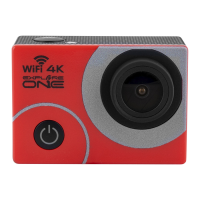
Press and hold the power switch for three to five seconds to turn the camera on or off.
4. Mode Switching
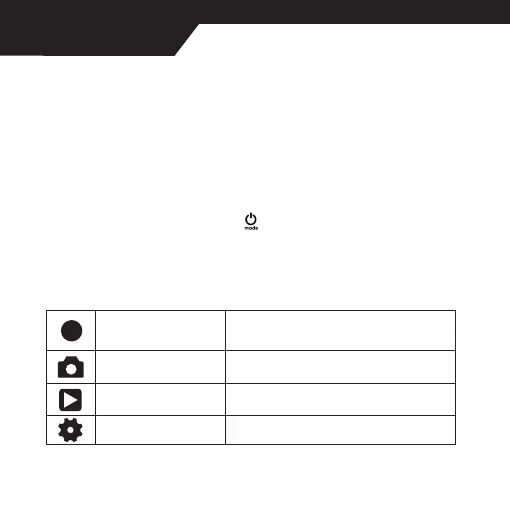
A. Press the [Power On-Off / mode] button [
] repeatedly to cycle through the camera
modes.
Camera mode
Description
Video recording mode Video recording/Slow motion
Photo shooting mode Self timer/Burst Photos/Auto
Play back mode Playback Video and Photo
Settings Adjust all camera settings


 To Next Page