8-line Digital I/O to Ethernet Adapter
17
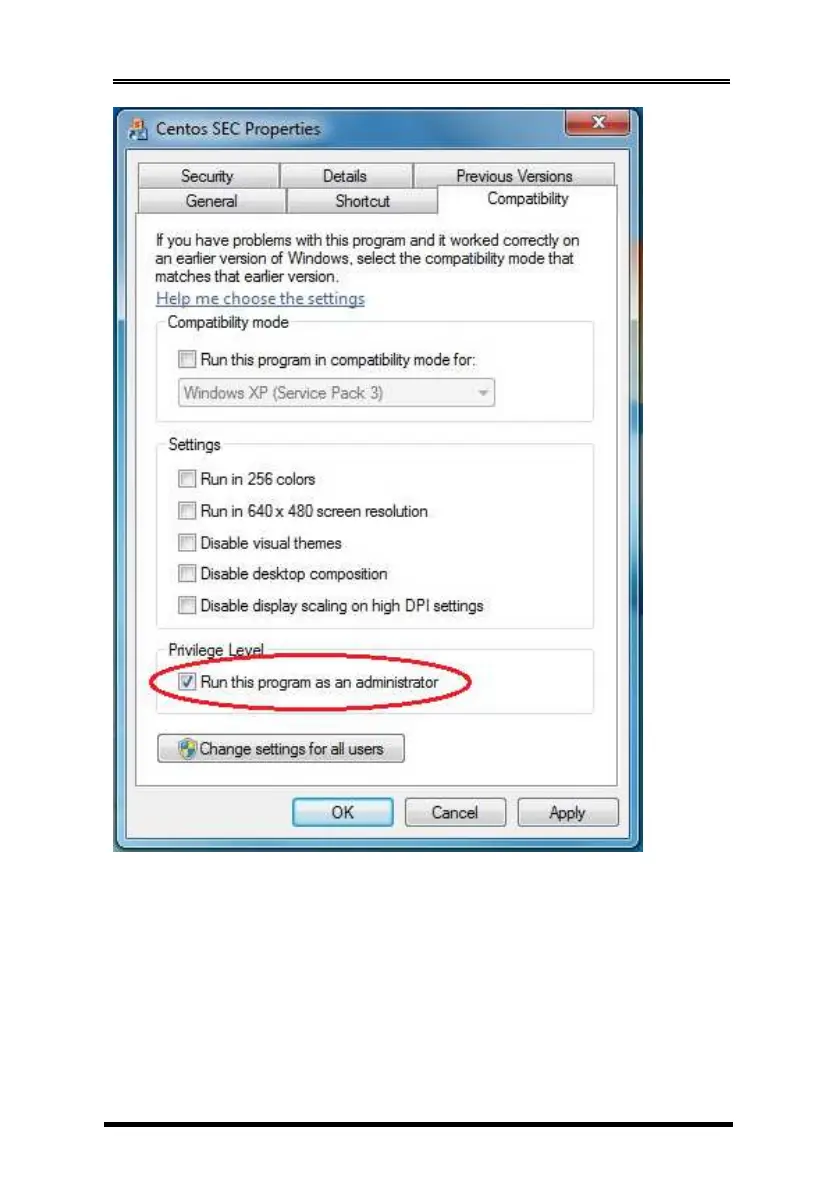
Configuring CentosSEC
1. Running the CentoSEC, the following screen will appear, click
the Help button will list the supported operations and details.
You may need to click Add to create a new COM port then
click Update All to save the settings. You don’t need to reboot
the system after you pressing Update All button for any COM
port changes.


 To Next Page