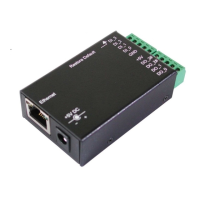
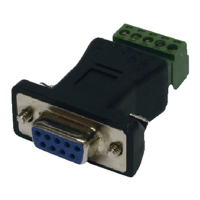
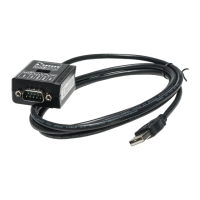
8-line Digital I/O to Ethernet Adapter
19
The Adapter can function as a server or client for TCP and UDP
connections. The application scenarios include TCP Server mode, TCP
Client mode, UDP mode, IO Extender Master/Slave (Paired) mode.
When in IO Extender Master/Salve Paired mode, one Adapter must
be set as IO Extender Master and the other as IO Extender Slave
mode, the paired mode extends the digital IO lines remotely without
any extra software or drivers.
TCP Server mode:
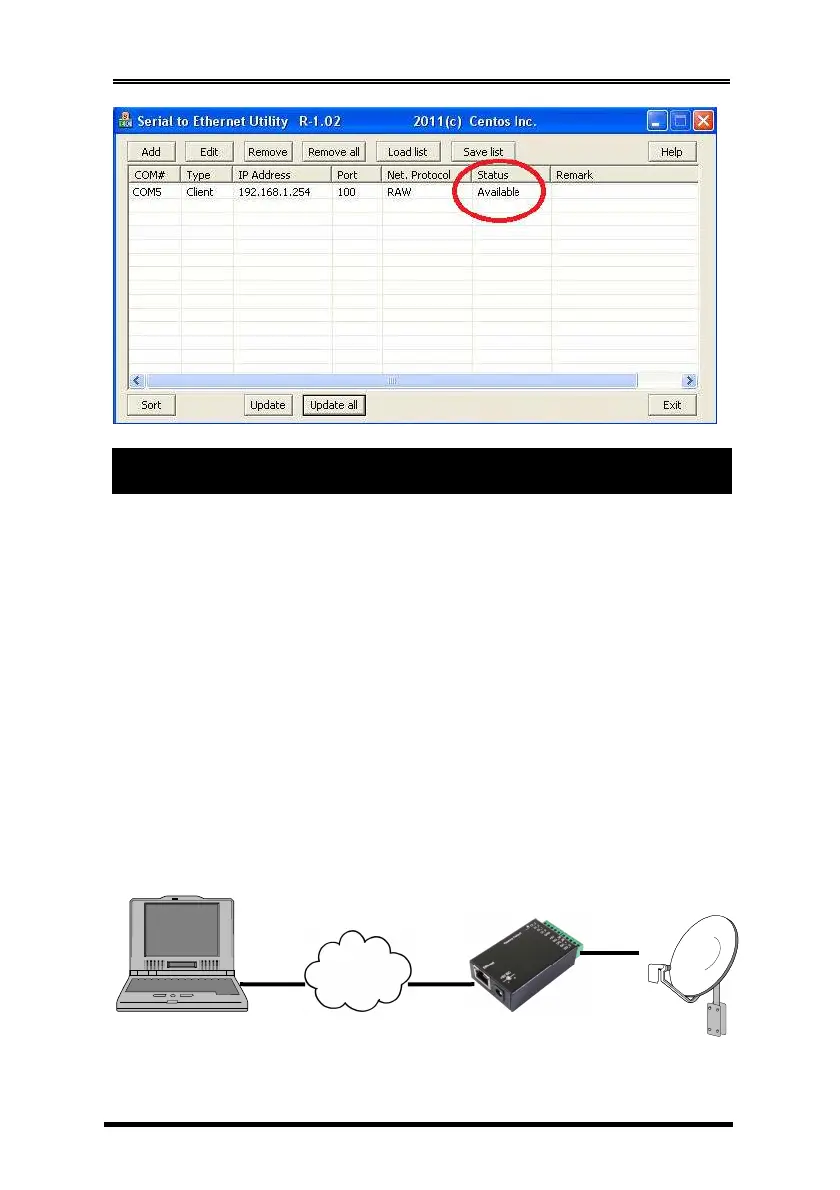
The TCP Server mode provides the service at the TCP/IP socket port.
The default setting of this Adapter is set at 192.168.1.254 port 100. The
application software works as a client to this Adapter. It can control
via straight IP address directly or via a Virtual COM Port driver.
The configuration settings for TCP Server as follows:
7. Operation Modes
TCP/IP
Ethernet
Digital I/O
Adapter
Target
Equipment
User Application Software controls
via 192.168.1.254 port 100
PC’s IP: 192.168.1.1 192.168.1.254 port 100


 To Next Page
 Loading...