8-line Digital I/O to Ethernet Adapter
6
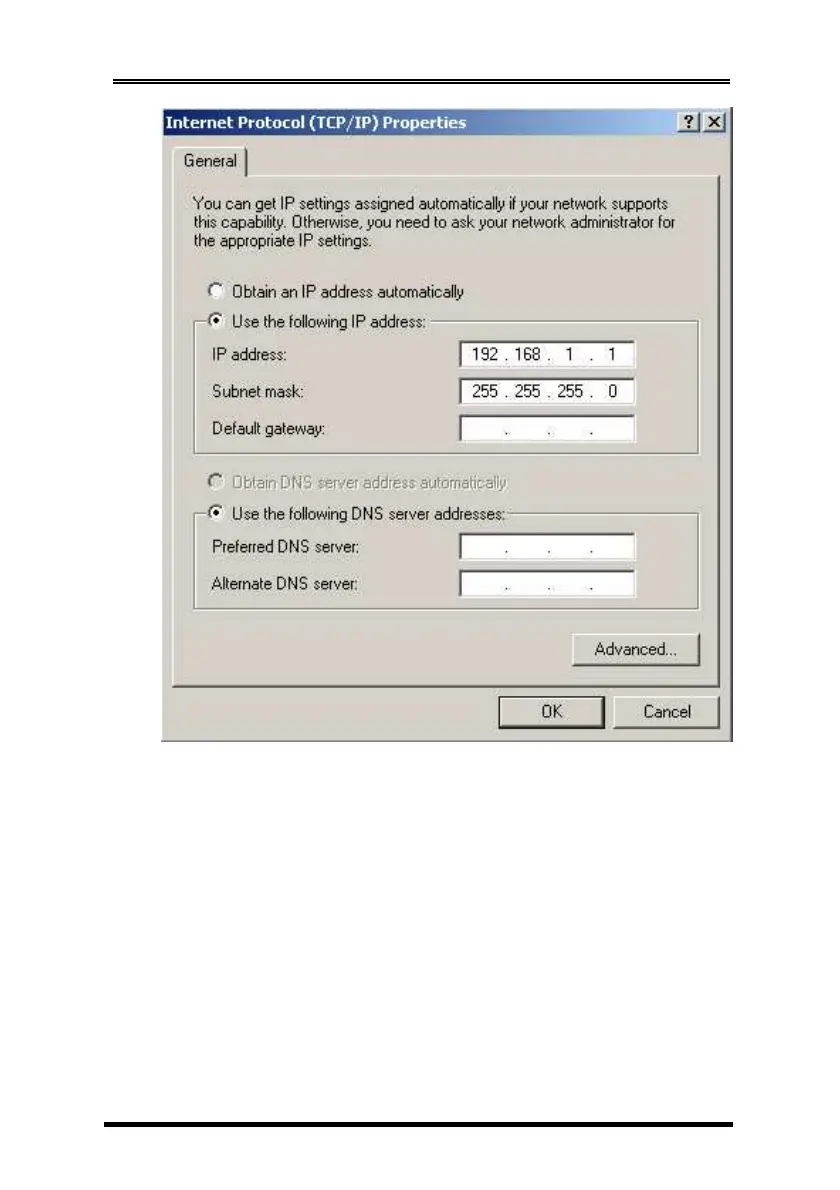
Run your browser and access the Adapter by entering the
default (192.168.1.254) or current IP address into your browser’s
address window. Enter the password (default has no password).
Then go to change your IP address as well other parameters if
required.
3. Setting the IP address using Em.exe Utility
The Em.exe is a Microsoft Windows based utility to find all the
Adapters connected on the same subnet and network segment.
To run the Em.exe utility, please insert the driver CD supplied
with the Adapter. Open (double click) the program at the
following location (assume the CD-ROM drive is at E):


 To Next Page