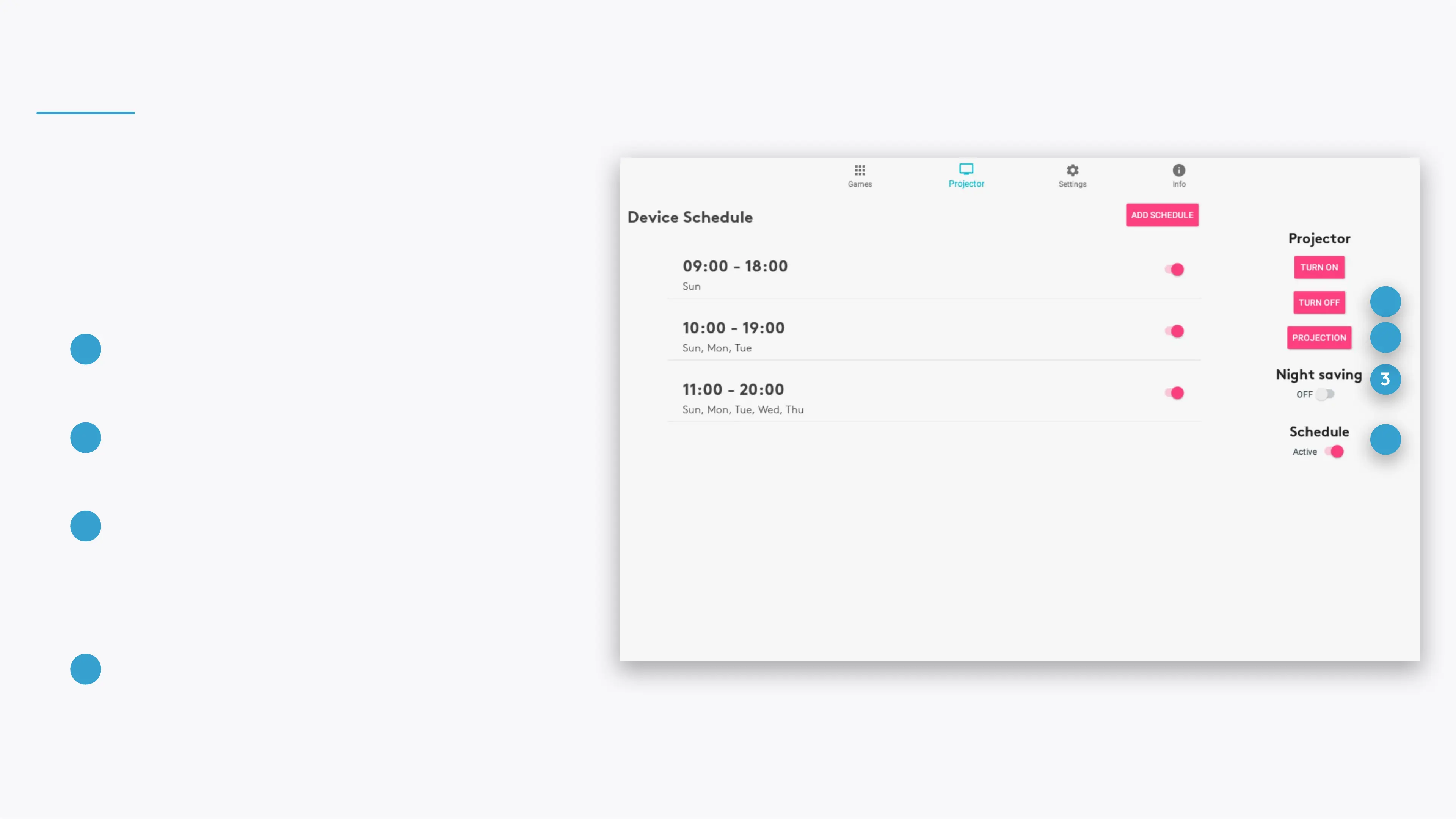
PROJECTOR
Turn the projection o, manage device schedules and
the adjust the projection.
1
3
2
4
DISABLE/ENABLE NIGHT SAVING
When Night Saving is enabled, your device will
shut down every night between 1 to 7 AM. Night
Saving supersede all schedules.
3
DISABLE/ENABLE ALL SCHEDULES
This setting controls all schedules. If disabled,
no schedule will operate, even if it's status is
enabled.
4
TURN PROJECTOR OFF
And enter the device to Sleep Mode.
1
PROJECTION
Rotate or ip the projection
2



 To Next Page