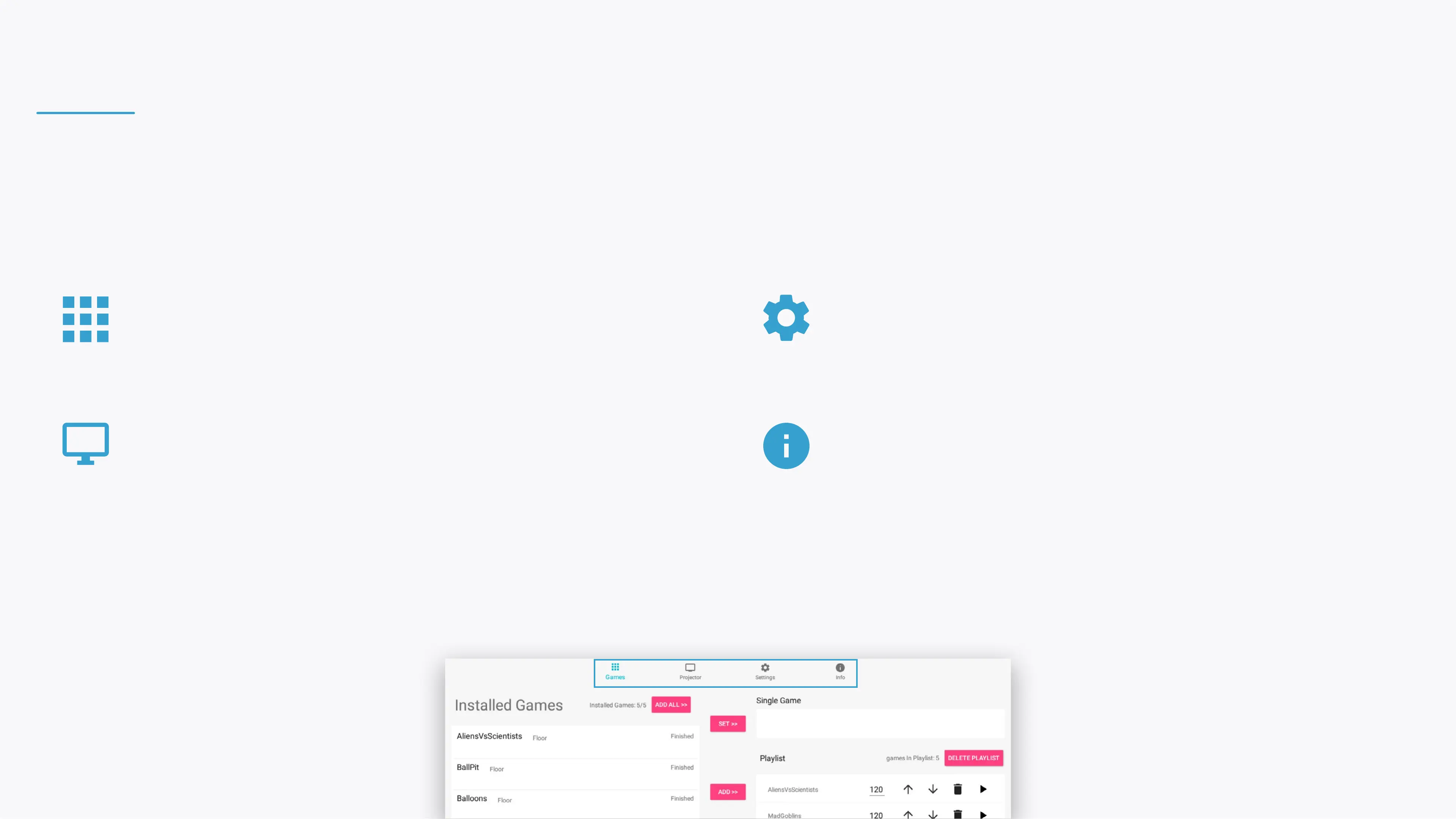
The control area is divided to 4 sections:
Navigate between the sections through the top menu bar
PROJECTOR
Turn the projection o, manage device schedules
and the adjust the projection.
GAMES
Control your games and playlist.
INFO
View the device, components and software
information relevant when contacting support.
SETTINGS
View and control your BEAM's settings.
CONTROL AREA


 To Next Page