At standby mode, press playback button, device will start to play the recording music, the indicator
will be slow flashing. Press playback button again, will stop playback and back to standby mode.
During playback, use up/down button to choose play previous or next file. You can also copy other
MP3 file to USB flash and plug to our device to replay it, but only files in “TAPEMP3” folder can be
played.
Specifications:
Package Contents:
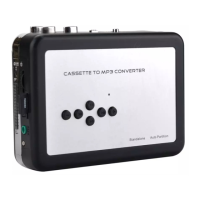
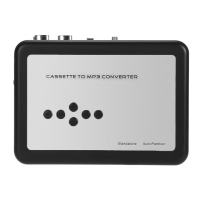
Ezcap231 Cassette to MP3 Converter
USB to 3.5mm cable for power
User Manual
5V 1A USB port Power Supply (Option)
2*AA Battery (Option)


 To Previous Page