8. Record button —Press button to record/stop record.
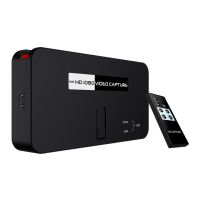
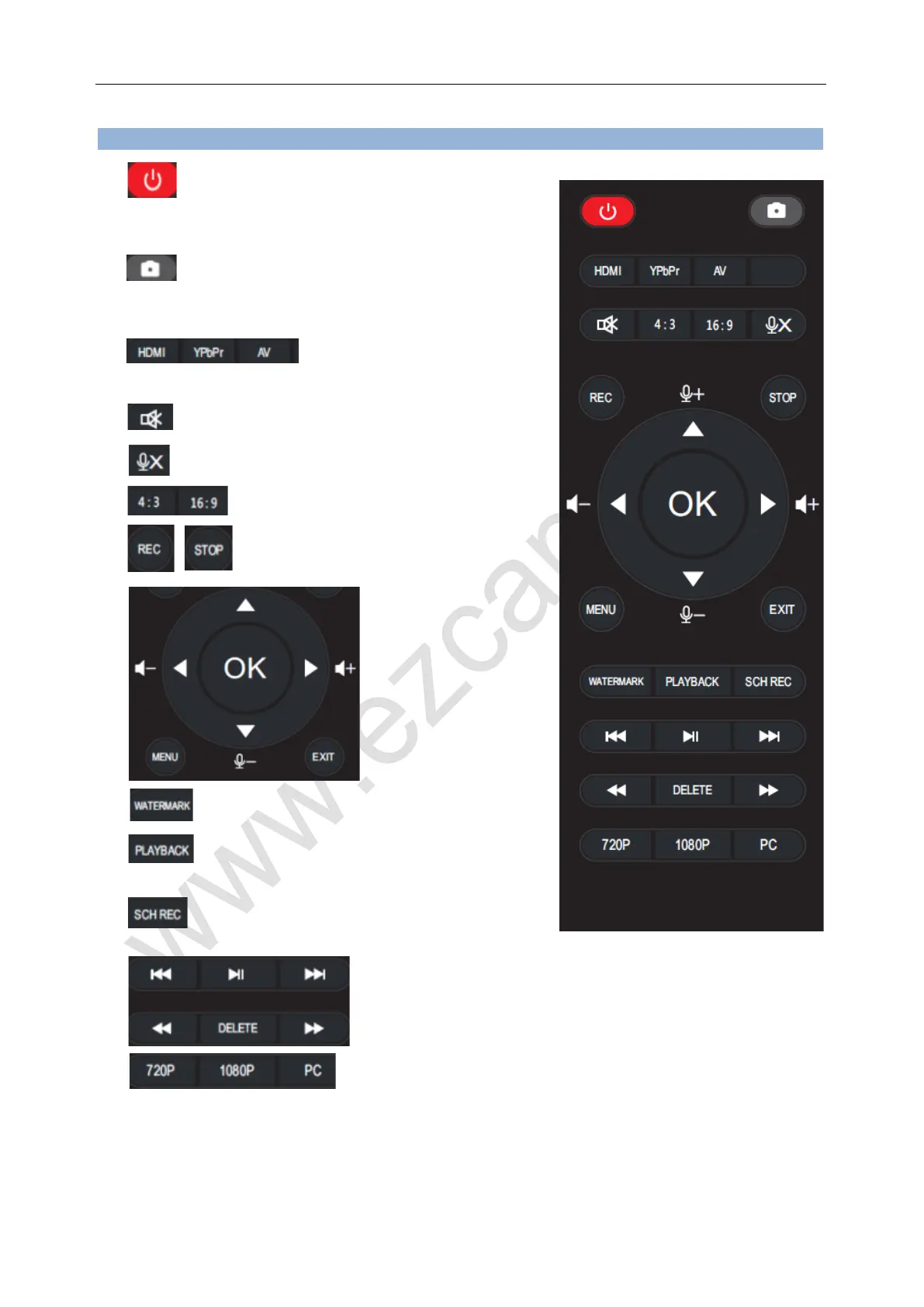
Remote controller:
1. Press to Power ON/OFF, ezcap295 is set to
default Power On mode, and will memory the
status before power disconnected.
2. Press to capture a still image. (not
effect on
recording video mode.)
3. to
select the source.
4. Mute
5. Microphone mute
6. Set the ratio of output video
7. Start/Stop video recording
8. For menu operation
And volume up/down
Microphone volume
Up/down
9. For the time watermark on recording file
10. Press to enter playback mode, press “EXIT”
or source key (HDMI/YPbPr/AV) to return.
11. Set schedule recording.
12. Operate the playback
“DELETE” can delete the video don’t need anymore.
13. Set the resolution of output / recording video


 To Next Page
 Loading...